Content Creators
Thumbnail Research and Benchmarking
Collect high-performing thumbnail examples in your niche to study hook style, text density, contrast, and composition patterns.
Download YouTube thumbnail images in HD and all available sizes. Paste any video or Shorts URL to save thumbnail JPG files instantly.
HighReach
Turn ideas, images, and clips into professional-quality videos in minutes.
Get Started For FreeNo credit card required
Copy the full YouTube watch link, Shorts link, or video ID.
Paste the link and fetch all available thumbnail sizes.
Select your preferred resolution and save the image file.
Thumbnail availability depends on the original upload and YouTube image endpoints.
| Quality | Resolution | File Type | Best For |
|---|---|---|---|
| Max Resolution | 1280x720 | JPG | Design references, presentation slides, ad mockups |
| Standard | 640x480 | JPG | General previews and quick downloads |
| High Quality | 480x360 | JPG | Social media inspiration boards |
| Medium / Default | 320x180 / 120x90 | JPG | Fast loading thumbnails and lightweight assets |
Content Creators
Collect high-performing thumbnail examples in your niche to study hook style, text density, contrast, and composition patterns.
Designers
Build visual references for thumbnails, shorts covers, and paid social creatives before creating your own assets.
Social Media Managers
Track thumbnail trends from competitors and category leaders to improve click-through rate strategies.
Agencies
Archive before-and-after thumbnail variants and include visual performance examples in client decks.
Educators and Researchers
Download and classify thumbnails by topic, style, and audience segment for content research projects.
Personal Use
Save useful thumbnails for personal inspiration and revisit visuals without searching repeatedly.
Optimization Playbook
Use max resolution thumbnails when building design references to preserve text clarity and image detail.
Compare top thumbnails in the same niche side by side to identify repeatable hook structures.
Track color palettes and facial expression styles used in high-CTR channels.
Build swipe files grouped by topic, emotion, and layout style to speed up concepting.
Capture thumbnail examples from both long-form videos and Shorts for broader pattern analysis.
Avoid copying designs directly; use references for direction and create original brand-specific assets.
Pair thumbnail analysis with title analysis to understand full click behavior.
Archive campaign thumbnails before channels update artwork or delete old videos.
Try these solutions:
Works on modern desktop and mobile browsers. Processing uses public image URLs, so no plugin is required.
Desktop Browsers
Mobile Browsers
Your Privacy Matters: We work with publicly accessible YouTube thumbnail endpoints and do not require account credentials.
Secure by Design: Connections use secure HTTPS transport, and no persistent media storage is required for thumbnail retrieval.
Legal Responsibility: Download and use images only when you have appropriate rights or permission and follow copyright law and platform terms.
DISCLAIMER OF LIABILITY: This tool is provided as-is. Users are solely responsible for lawful use, licensing, and distribution compliance.
Paste any public YouTube video or Shorts URL into the tool and click Get Thumbnails. You can then download each available resolution instantly.
Learn how to generate better ads with AI using practical examples, optimization frameworks, and campaign testing playbooks.

Complete 2026 Guide (Examples, Templates, Tools)
Read article

Explore more HighReach studio tools across video, image, avatar, and audio creation.

Create, edit, lip-sync, and direct motion-rich videos from one workspace.
Open tool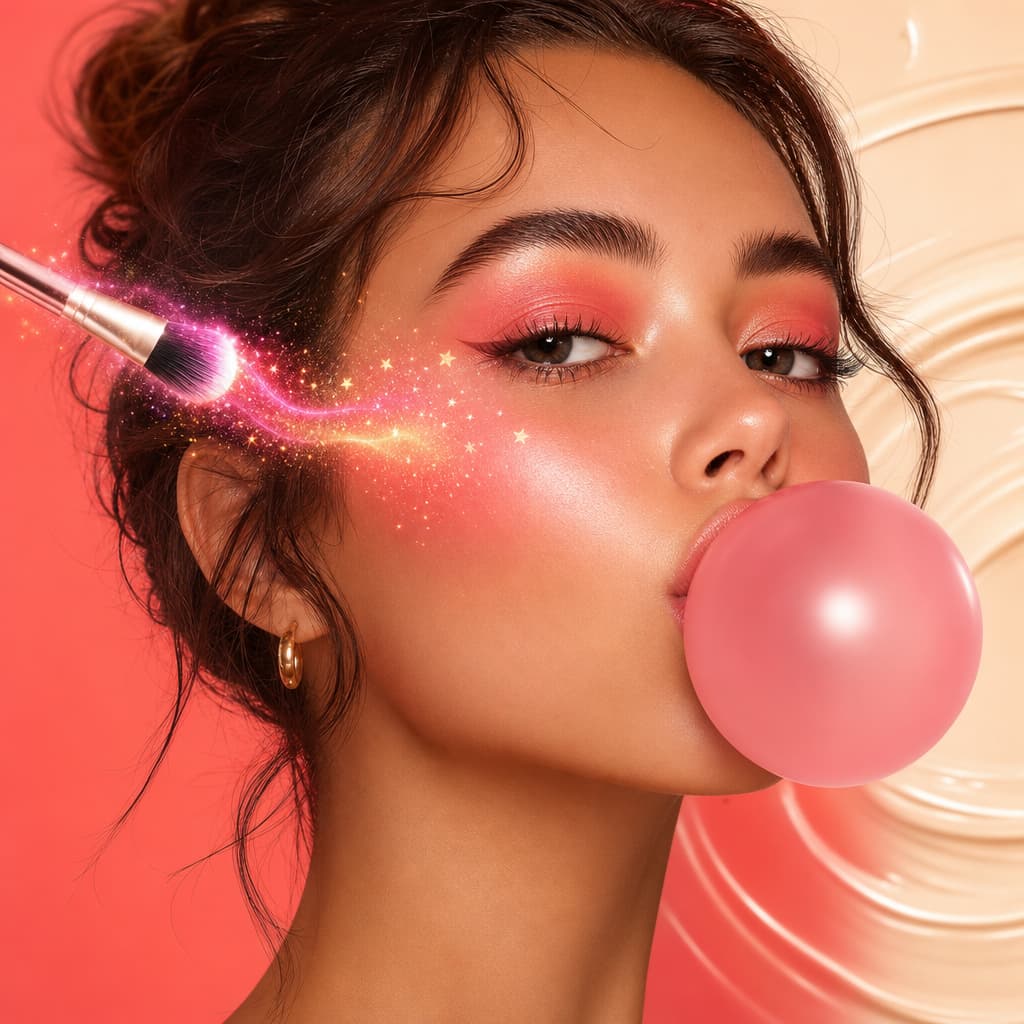
Generate, expand, edit, and upscale campaign-ready images in one place.
Open tool
Create voice overs, music, dubbing, and sound effects without leaving the studio.
Open toolAnimate product shots, references, and still frames into polished short clips.
Open tool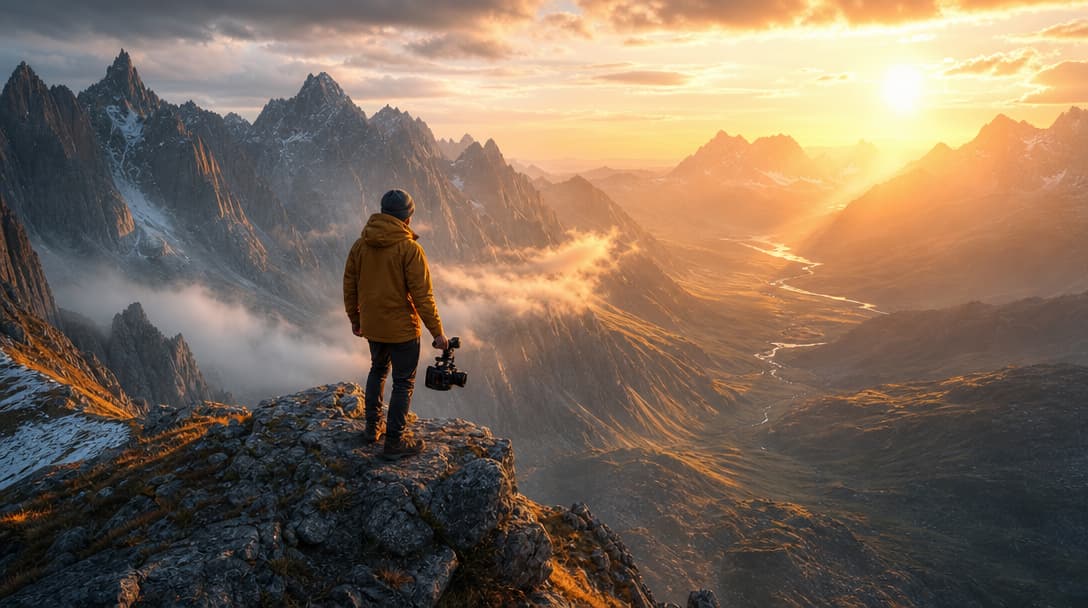
Generate fresh video scenes directly from prompts and style direction.
Open tool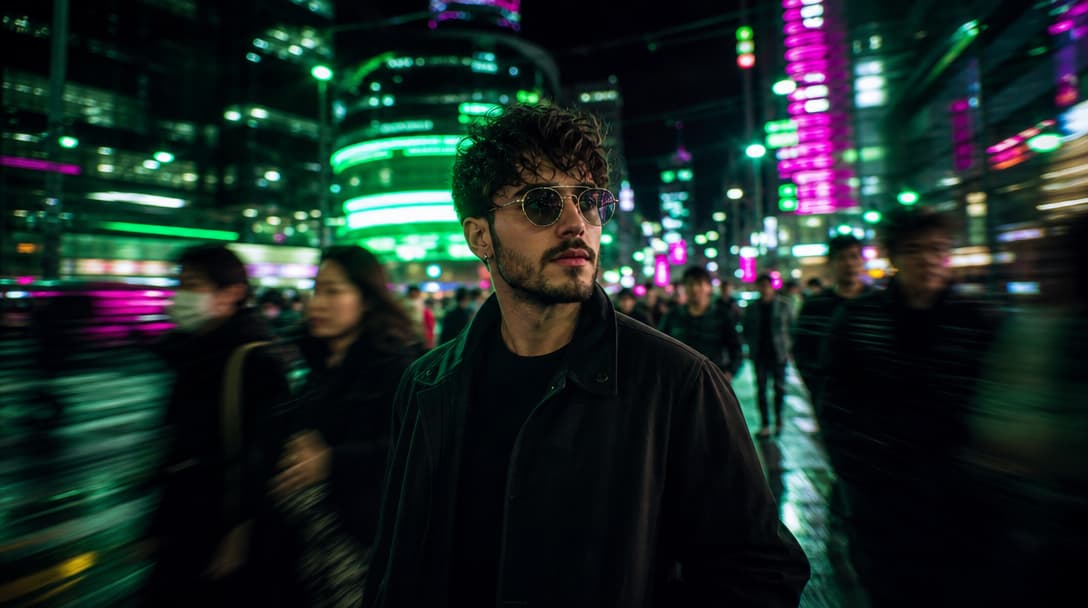
Re-render existing clips with prompt-based changes and creative direction.
Open tool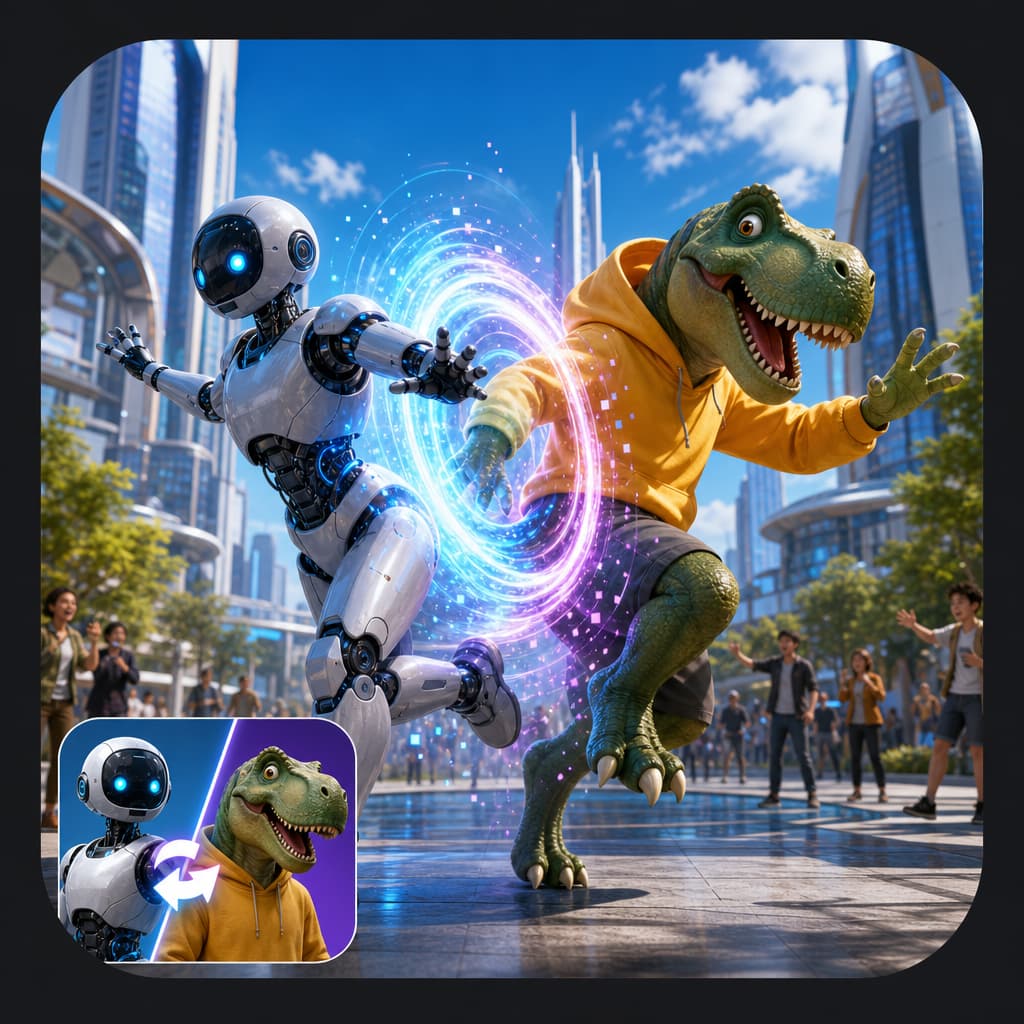
Swap the on-screen subject while keeping motion, camera, and scene structure.
Open tool
Turn a speaker image plus audio into a talking-avatar or presenter clip.
Open tool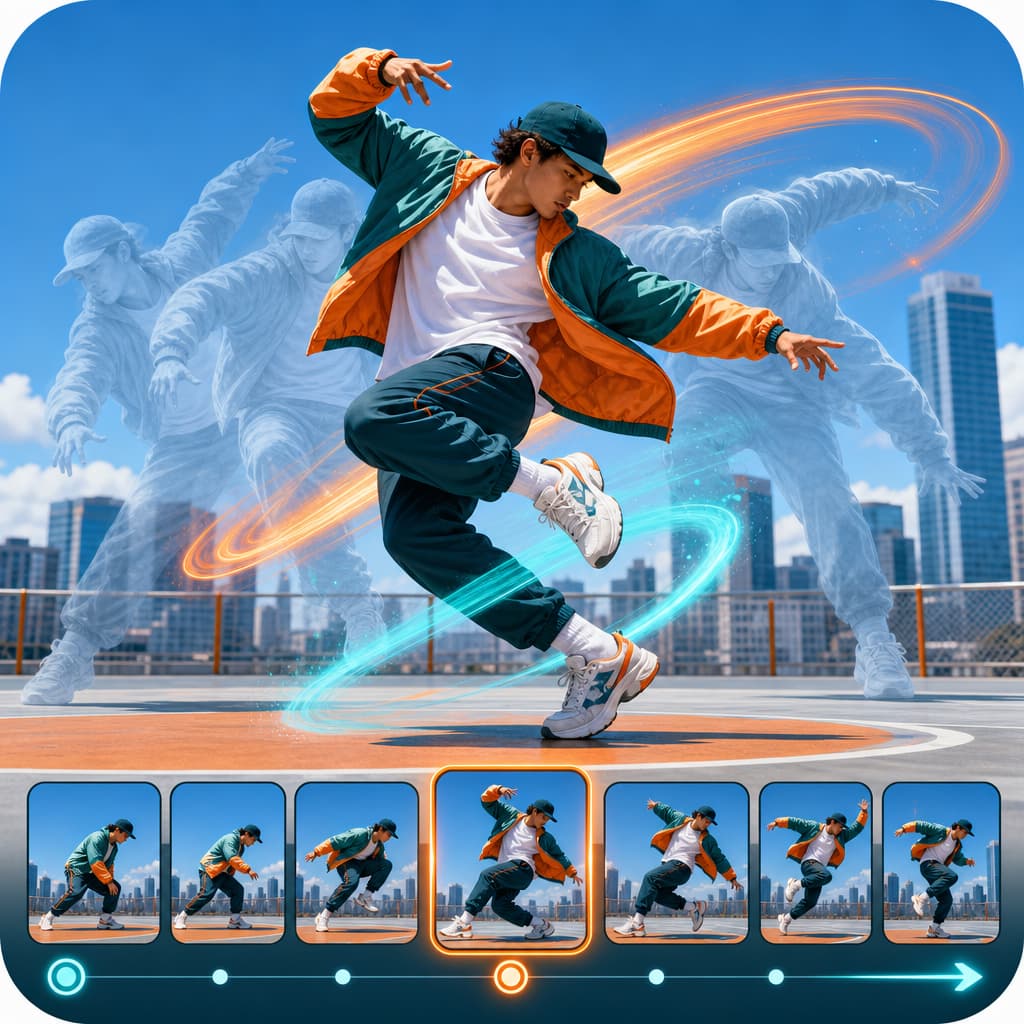
Drive motion from reference footage for controlled, repeatable outputs.
Open tool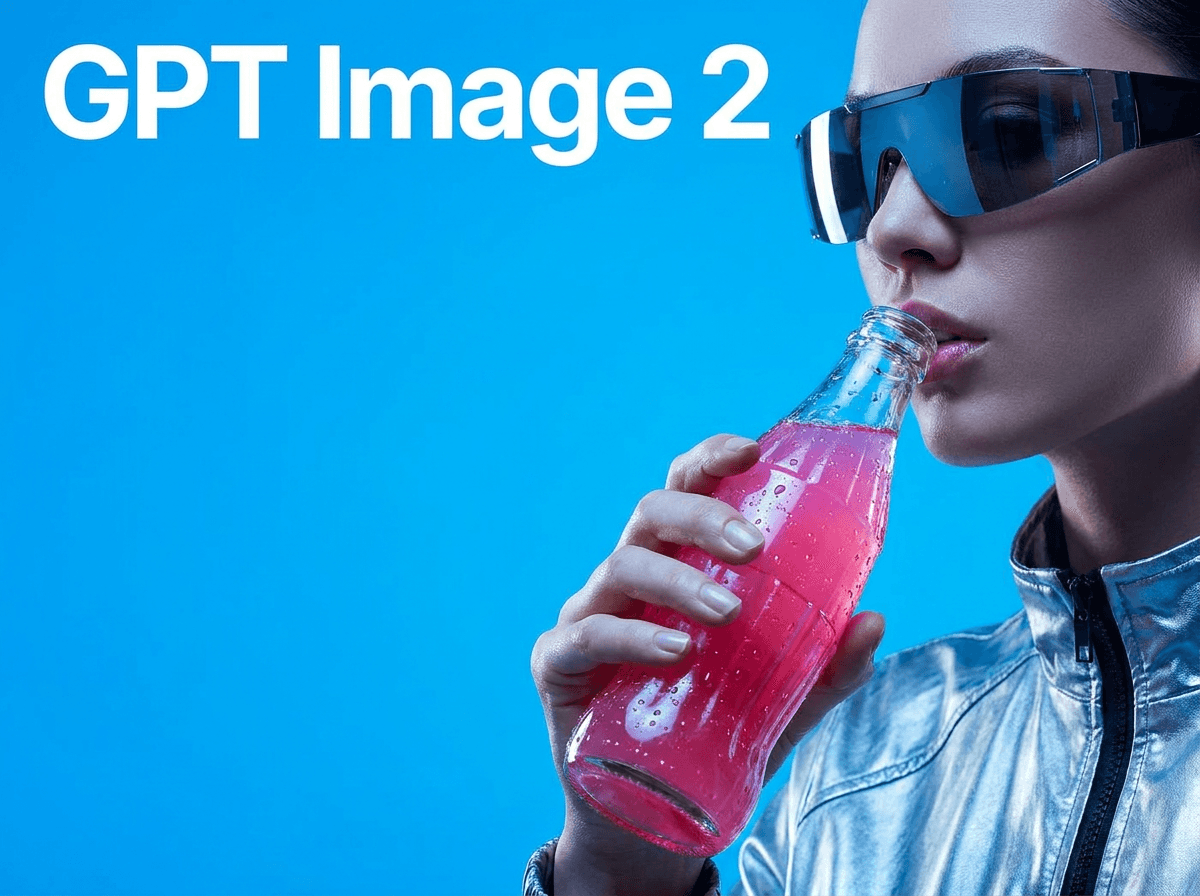
Generate product visuals, editorial images, and concept frames with AI models.
Open toolPrompt-edit one image into multiple refined creative variations.
Open toolGenerate studio-ready narration for explainers, promos, and product videos.
Open toolGenerate image, video, and UGC ads in minutes with HighReach.
No credit card required