Ecommerce Teams
Tie social cadence to campaign moments
Support launches and promos with better timing decisions.
Find the optimal posting times for LinkedIn based on your industry. Maximize impressions and engagement with data-driven scheduling.
Times shown in your local timezone (approximate). LinkedIn engagement peaks mid-week during business hours.
Monday
HighTuesday
HighWednesday
HighThursday
MediumFriday
MediumSaturday
LowSunday
LowPro Tips
Create professional ad creatives for LinkedIn campaigns with AI — images, videos, and copy in minutes.
Try HighReach freeHighReach
Turn ideas, images, and clips into professional-quality videos in minutes.
Get Started For FreeNo credit card required
Choose the industry or audience type that best matches your LinkedIn content and target audience.
Get the best days and time slots ranked by expected engagement level for your industry.
Use the recommended times for your LinkedIn posting schedule and monitor your analytics to refine further.
Best Time To Post On Linkedin converts social performance data into actionable decisions around timing, format choice, and publishing rhythm.
| Input | What It Signals | Target Pattern | Action |
|---|---|---|---|
| Audience Baseline | Current content-market fit | Stable trend line | Adjust cadence gradually |
| Timing Window | Follower active periods | Clustered high-response windows | Schedule around top windows |
| Format Split | Reels/posts/story effectiveness | Clear winners by goal | Scale high-performing formats |
| Iteration Signal | Week-over-week learning | Positive saves/shares trend | Double down on winning topics |
Use 2-4 weeks of stable data to avoid overreacting to single-post volatility.
Ecommerce Teams
Support launches and promos with better timing decisions.
Performance Teams
Use organic winners to guide paid creative direction.
B2B Teams
Align posting rhythm to when decision-makers are active.
Agencies
Use one workflow to monitor trend shifts across clients.
Social Managers
Turn audience patterns into a consistent publishing schedule.
Influencers
Use data-backed cadence planning to balance quality and frequency.
Small Businesses
Focus limited output on windows and formats with stronger upside.
Brand Teams
Balance stories, reels, and feed posts around outcome-driven goals.
Optimization Playbook
Use these best time to post on linkedin optimization tactics to improve consistency, output quality, and execution speed.
Use Time trend reviews weekly to catch momentum shifts early.
Schedule around proven audience-active windows first.
Run multiple variants and compare before publishing one output.
Batch similar tasks to reduce setup time and improve consistency.
Perform a quick QA pass for accuracy, tone, and compliance before release.
Track performance after publishing and feed insights back into next runs.
Track saves and shares alongside likes and comments.
Compare performance by format, not just by overall average.
Reuse high-performing themes with fresh hooks and visuals.
Use clear inputs and explicit outcome goals before generating results.
Try these solutions:
Processing happens server-side for reliable performance on modern desktop and mobile browsers.
Desktop Browsers
Mobile Browsers
Your Privacy Matters: We process inputs to generate outputs and do not require social or platform account credentials for standard tool usage.
Secure by Design: Connections use SSL/TLS encryption and tool processing runs through secure infrastructure.
Legal Responsibility: Use each tool only for lawful workflows and for content/data you are authorized to process under applicable regulations and platform terms.
DISCLAIMER OF LIABILITY: This service is provided as-is without warranties. Users are solely responsible for lawful usage and authorization of all processed content.
Best Time To Post On Linkedin is a free online tool built to streamline Time workflows with fast, practical outputs for creators, marketers, and operators.
Learn how to generate better ads with AI using practical examples, optimization frameworks, and campaign testing playbooks.


Complete 2026 Guide (Examples, Templates, Tools)
Read article

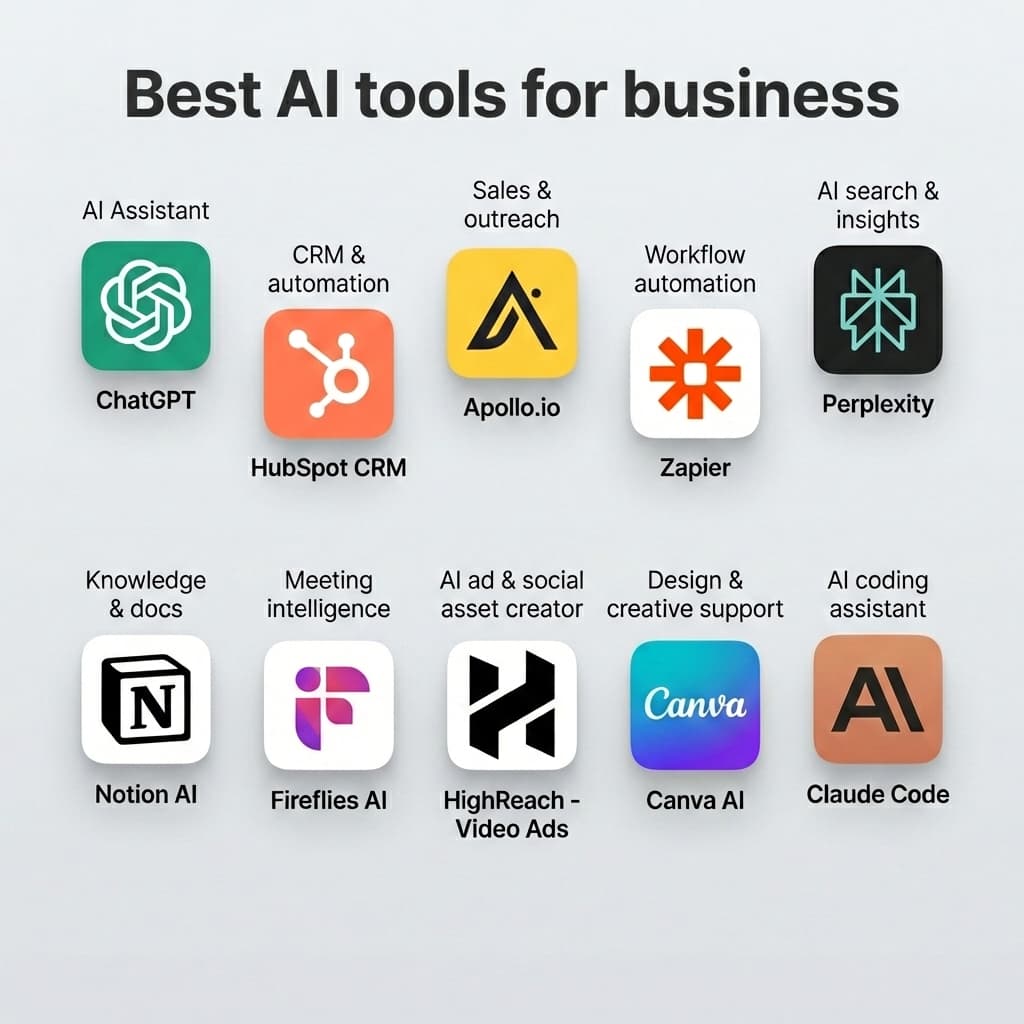
Explore more HighReach studio tools across video, image, avatar, and audio creation.

Create, edit, lip-sync, and direct motion-rich videos from one workspace.
Open tool
Generate, expand, edit, and upscale campaign-ready images in one place.
Open tool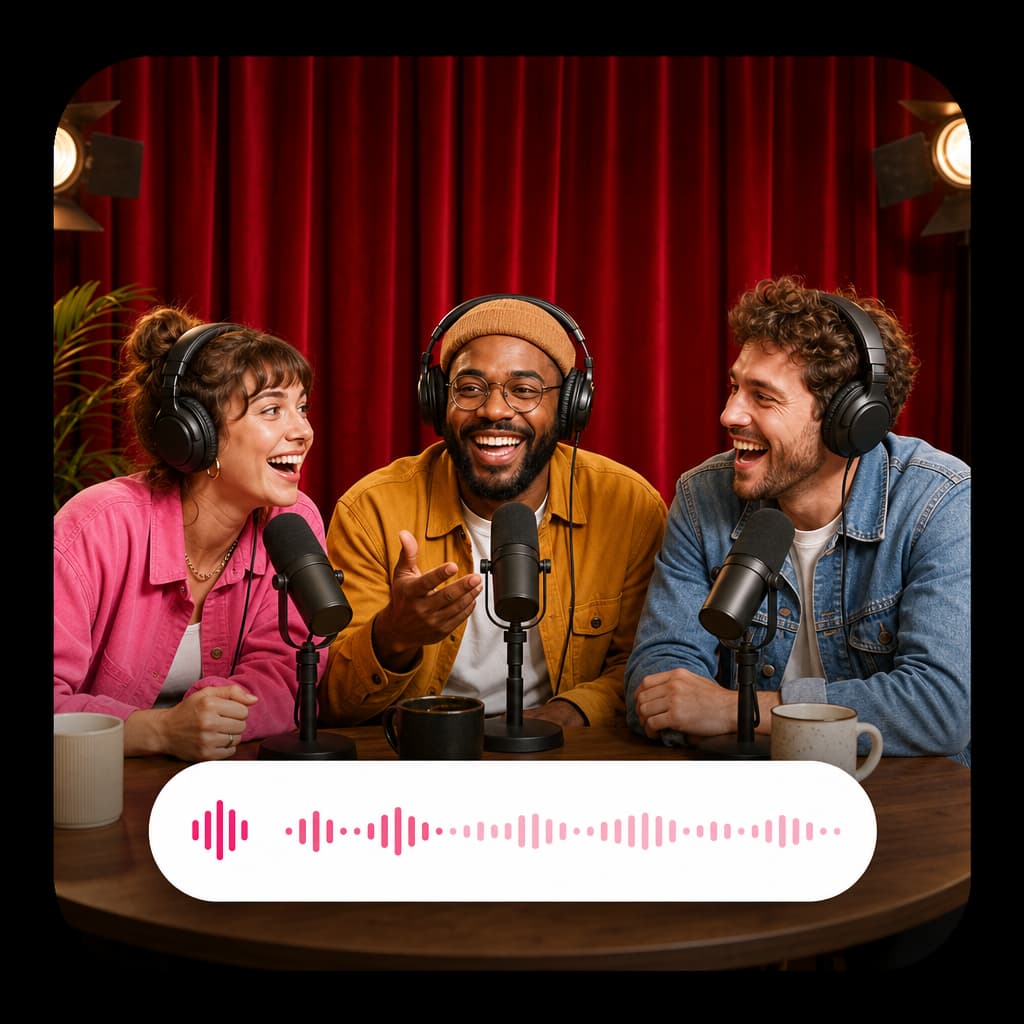
Create voice overs, music, dubbing, and sound effects without leaving the studio.
Open toolAnimate product shots, references, and still frames into polished short clips.
Open tool
Generate fresh video scenes directly from prompts and style direction.
Open tool
Re-render existing clips with prompt-based changes and creative direction.
Open tool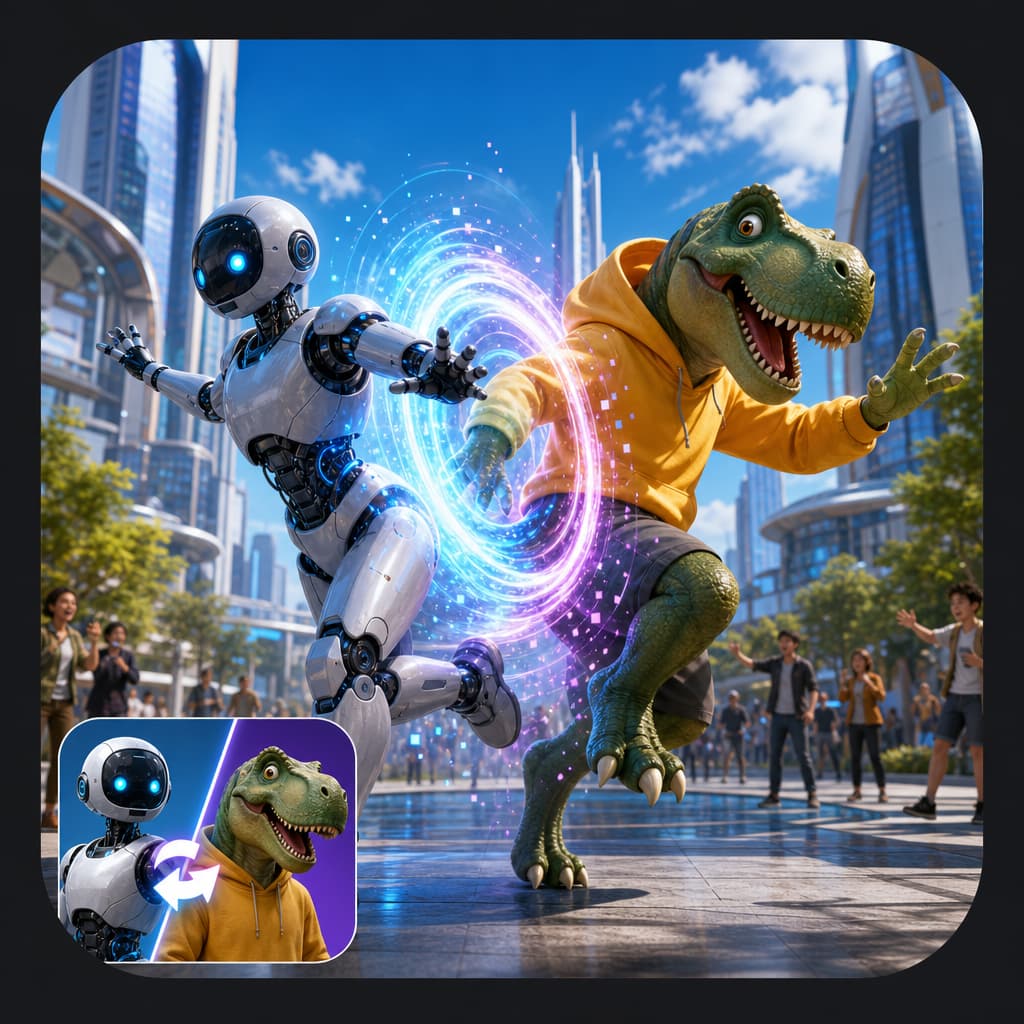
Swap the on-screen subject while keeping motion, camera, and scene structure.
Open tool
Turn a speaker image plus audio into a talking-avatar or presenter clip.
Open tool
Drive motion from reference footage for controlled, repeatable outputs.
Open tool
Generate product visuals, editorial images, and concept frames with AI models.
Open toolPrompt-edit one image into multiple refined creative variations.
Open toolGenerate studio-ready narration for explainers, promos, and product videos.
Open toolGenerate image, video, and UGC ads in minutes with HighReach.
No credit card required