Nikhil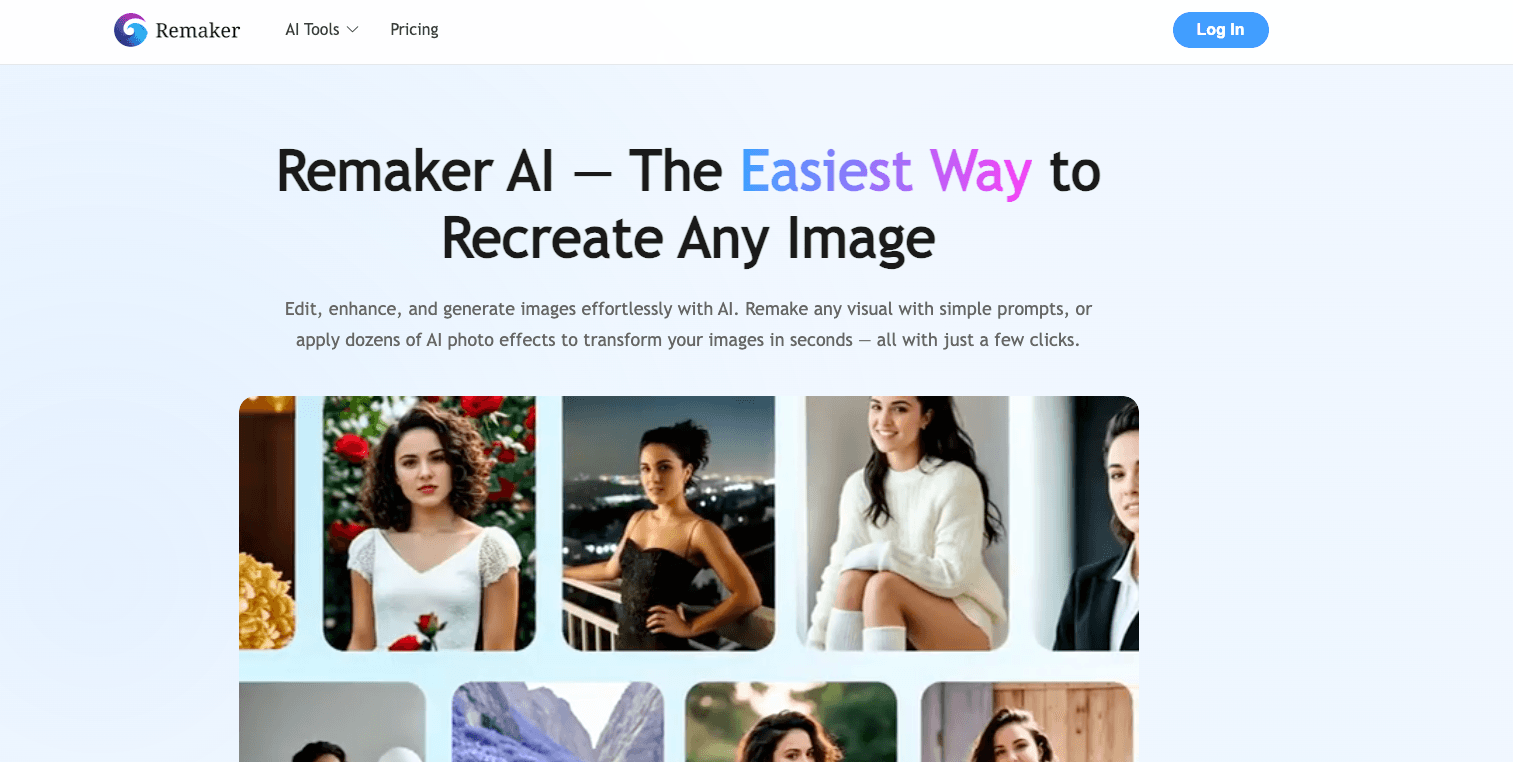
AI tools have made visual content creation more accessible than ever, but not all tools are built for every purpose. In this Remaker AI review, we'll explore what it offers, where it shines, and where it falls short—and then recommend HighReach as a superior option for ads and social video content creation.
What Is Remaker AI?
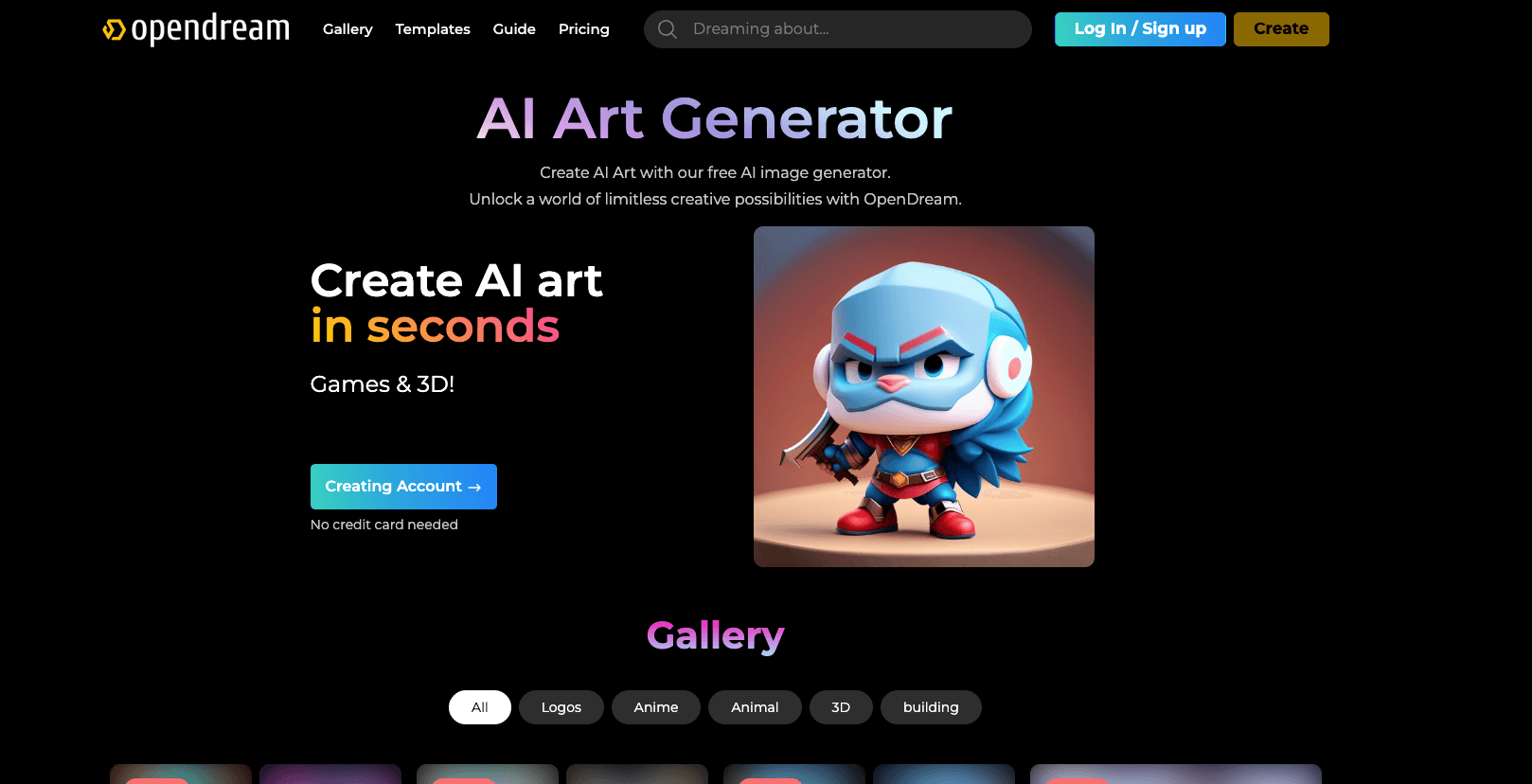
Remaker AI is a web-based platform that provides a suite of tools for editing and generating images and videos without needing advanced design skills. It brings together features like face swapping, image upscaling, background removal, and basic video generation in one dashboard. Users can access Remaker AI directly from their browser on both desktop and mobile.
The platform positions itself as an all-in-one visual editor that makes photo and video manipulation accessible to everyone, regardless of technical skill level.
Key Features
Face Swap & Portrait Tools
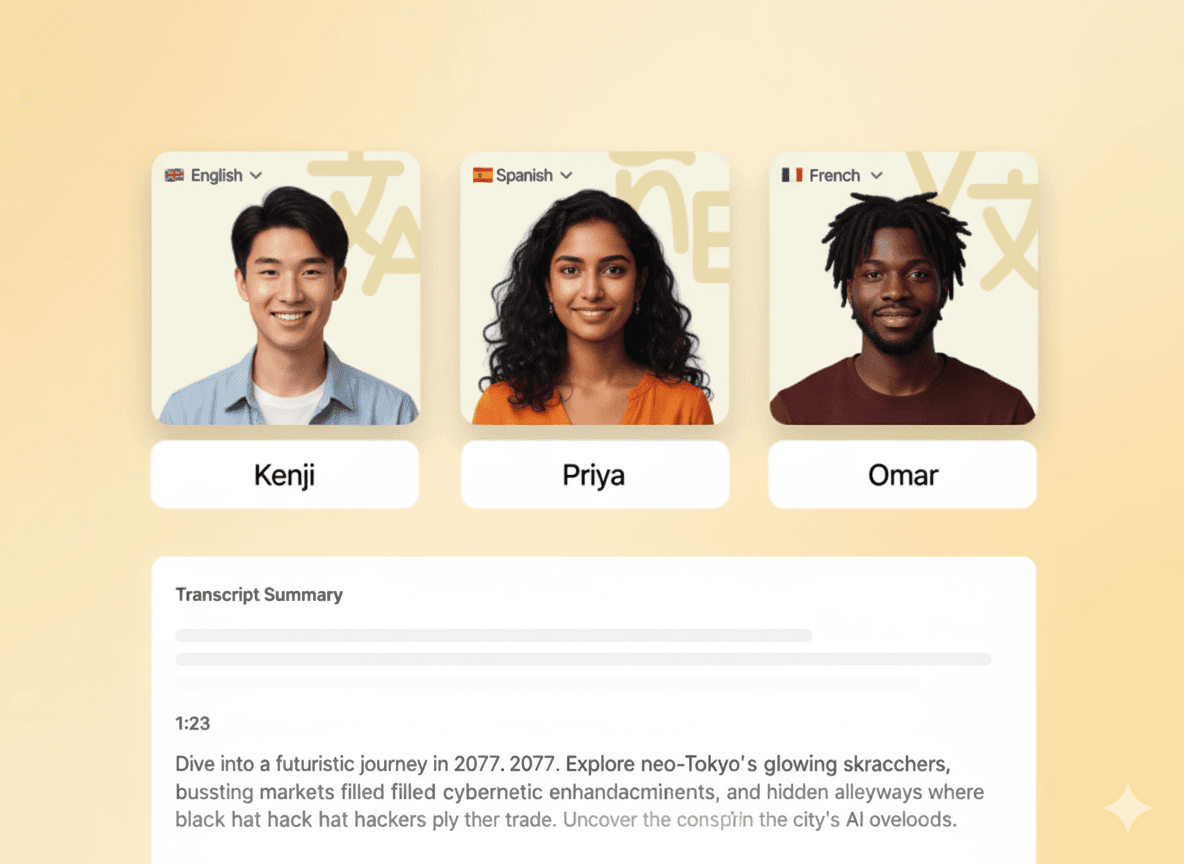
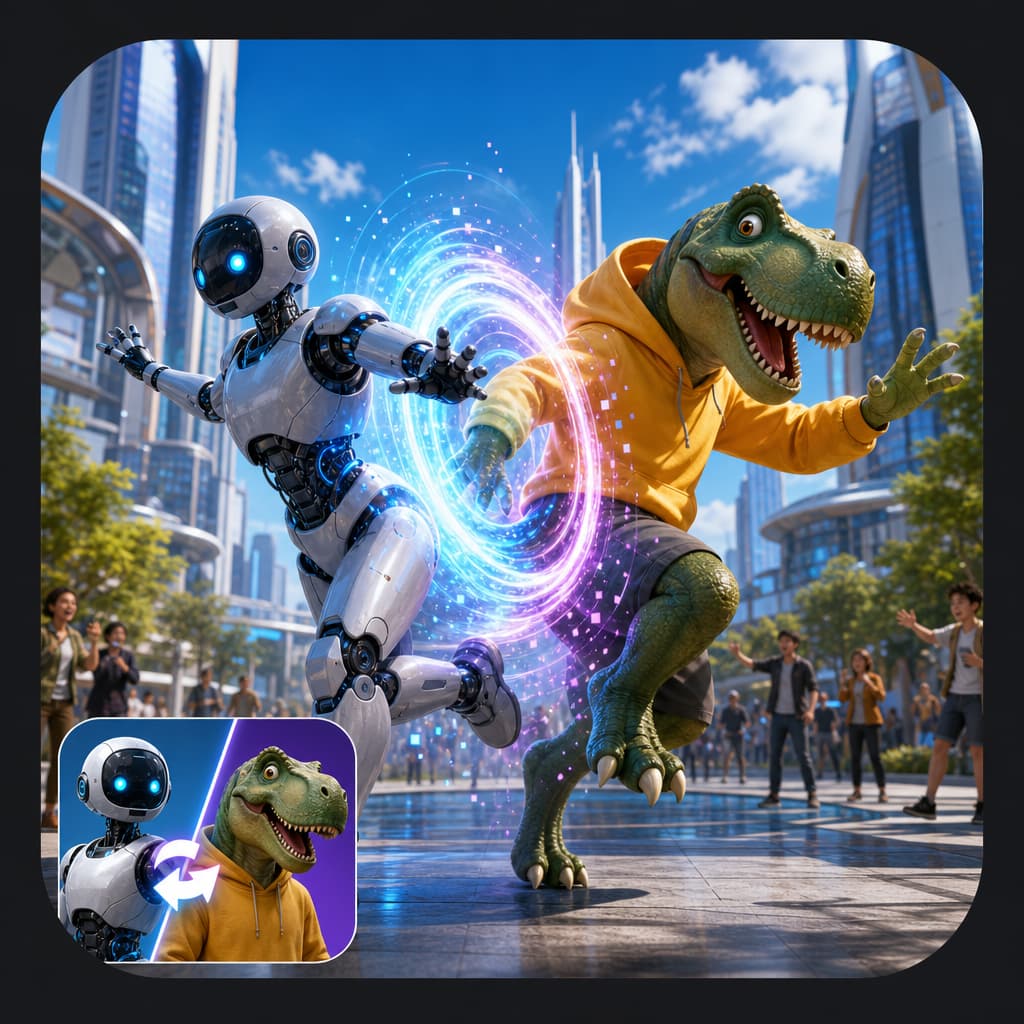
Remaker allows users to swap faces in images and videos, including batch face swaps on multiple files. This makes it a fun and creative tool for social content, though the quality can vary depending on the source material.
Image Editing
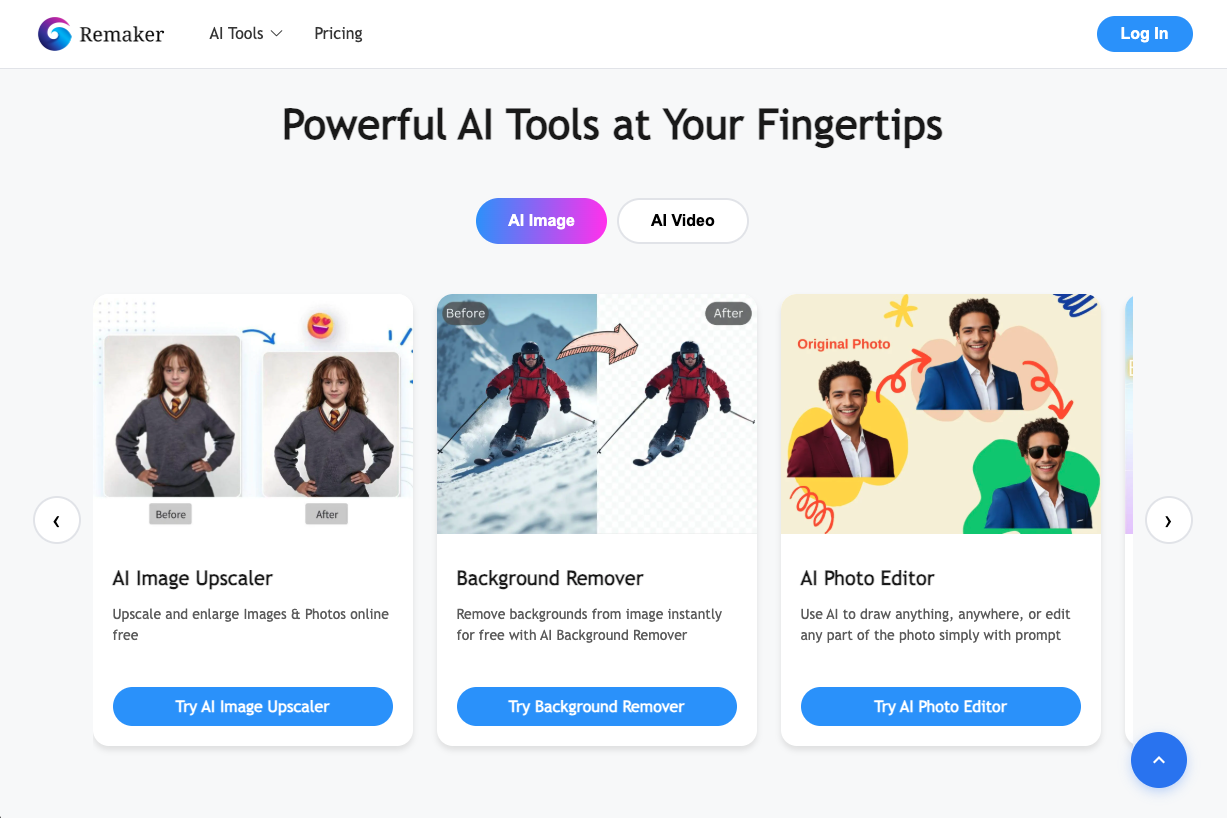
The platform includes background removal, object removal, AI-based upscaling to enhance resolution, and automated portrait generation. These features are convenient for quick edits or improving visuals before posting to social media.
Video Enhancement
Beyond photos, Remaker offers video upscaling and simple editing tools that can help improve clarity and resize videos for different platforms. The results are generally good for casual use, though professional videographers might find the options limiting.
Pricing Overview
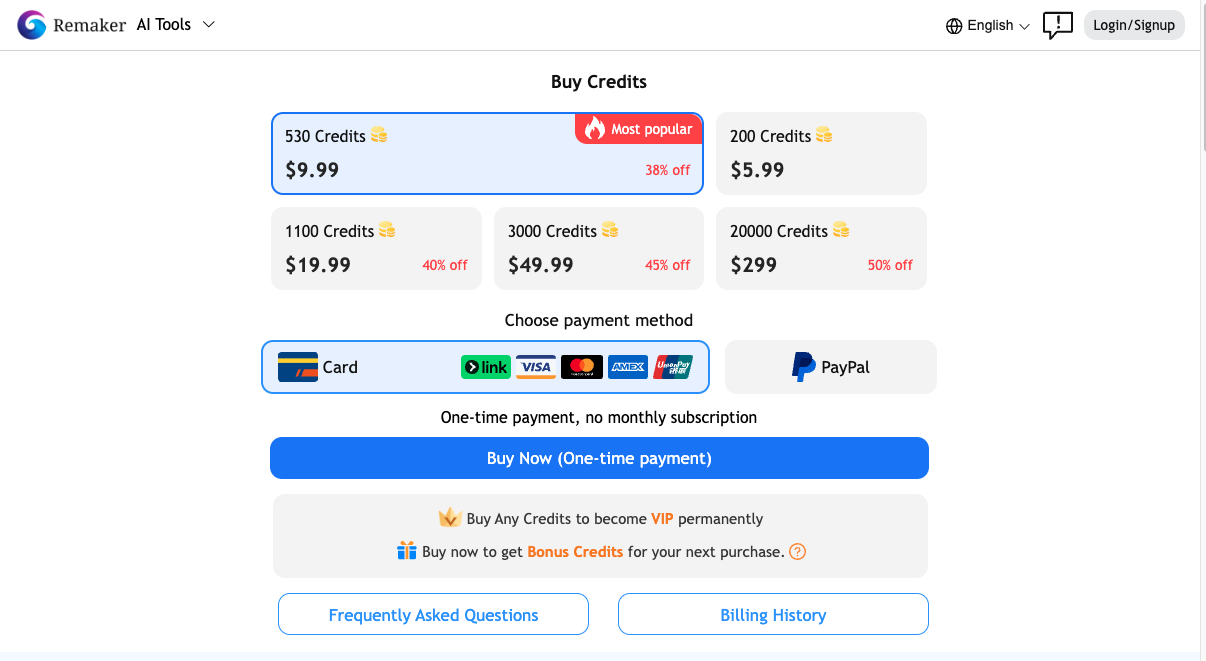
Remaker uses a credit-based model instead of fixed monthly subscriptions. Users receive initial free credits and can buy more as needed:
| Credits | Approx. Price |
|---|---|
| 200 | ~$5.99 |
| 530 | ~$9.99 |
| 1100 | ~$19.99 |
| 3000 | ~$49.99 |
| 20,000 | ~$299 |
Credits can be used across different image and video tools, and unused credits typically don't expire. This flexibility is nice, but costs can add up quickly if you're using the platform regularly for professional work.
What Works Well
Ease of Use
There's no download or complicated setup. Anyone can start editing in minutes, which is genuinely impressive for people who aren't designers or video editors.
Versatile Tool Set
Having face swap, upscaling, background removal, and basic video editing in one place is convenient. You don't need to jump between multiple apps for different editing tasks.
Free Credits to Test
New users get some free credits to test features before buying more. This is a smart way to let people try before committing to a purchase.
Quick Processing
The platform processes edits relatively fast, making it useful for rapid visual creation when you need something turned around quickly.
Where It Falls Short
Not Built for Ads
While Remaker edits visuals well, it isn't designed for professional ad creation. You won't find templates optimized for Facebook, Instagram, or TikTok ads, and there's no guidance on what makes an effective ad creative.
Limited Creative Control
Advanced editing options and creative flexibility are limited compared to specialized creative platforms. If you need precise control over every element, you'll hit walls pretty quickly.
Credit Costs
For heavy use, credits become expensive over time. If you're a business or agency creating content regularly, the per-credit pricing model might not be economical.
Who Should Use Remaker AI
Remaker AI works well for:
- Social media creators who need quick, casual edits
- Hobbyists exploring visual effects and AI tools
- Small businesses without dedicated design software
It's solid for basic image and video editing, but it's not the best choice if your goal is creating ads and social-ready marketing content at scale.
A Better Alternative for Ads: HighReach
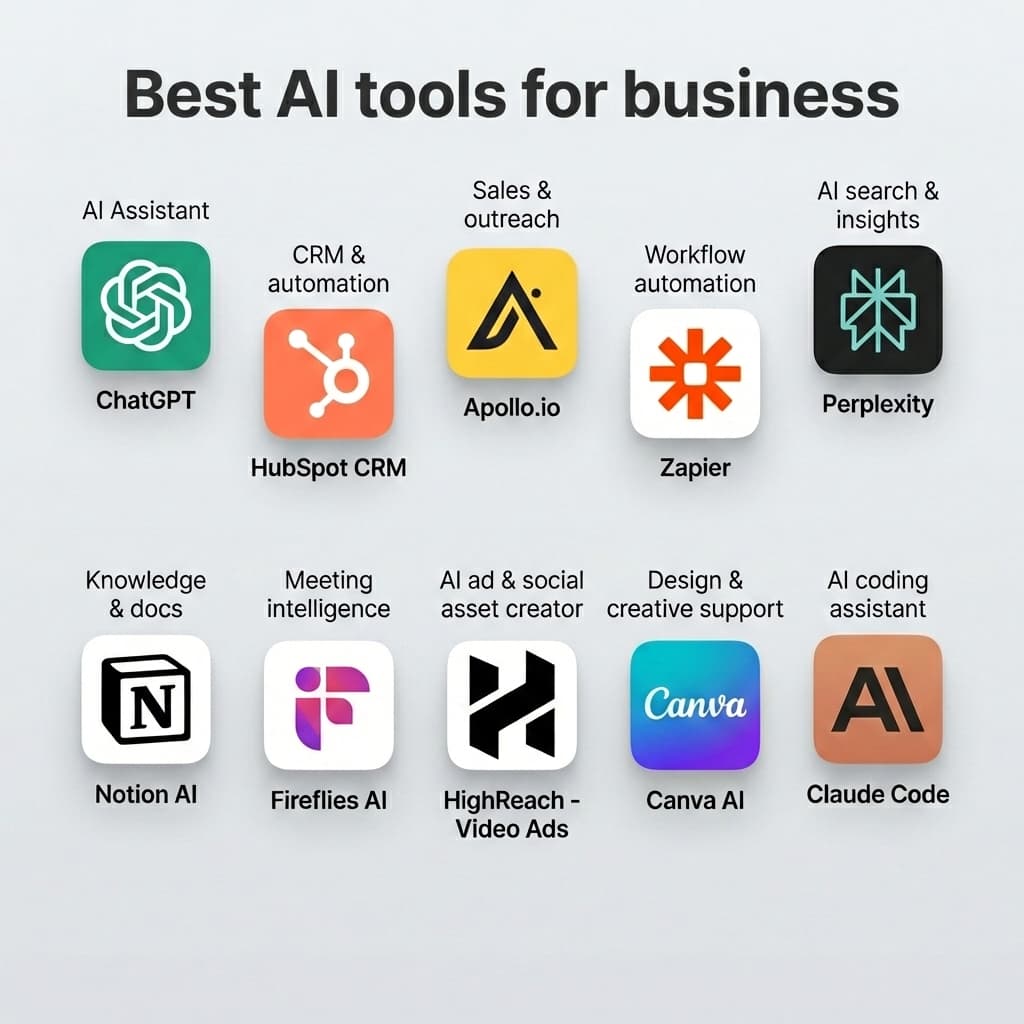
If your priority is creating high-quality ads and social video assets—especially for platforms like TikTok, Instagram Reels, and YouTube Shorts—then HighReach is a more specialized option.
Unlike Remaker AI, HighReach focuses specifically on:
- AI-generated vertical video ads that are platform-ready
- UGC-style social video formats using AI avatars and scripts
- Image ad creatives and carousel visuals optimized for performance marketing
- Templates and export formats tailored to ad networks
HighReach is built around creating marketing assets, not just editing existing content. This makes it a stronger choice for business use and ad performance optimization.
Visit highreach.ai to try it out.
Remaker AI vs HighReach: Quick Comparison
| Feature | Remaker AI | HighReach |
|---|---|---|
| AI Image Editing | Yes | Yes |
| Face Swap | Yes | No |
| Basic Video Editing | Yes | Yes |
| Ad Creative Generation | No | Yes |
| Social Video Ads | No | Yes |
| Platform-Ready Templates | No | Yes |
| UGC-Style Content | No | Yes |
Final Verdict
Remaker AI is a solid all-in-one visual editor for photos and casual video editing, especially if you want quick results without design skills. However, it's not optimized for marketing and ads—a space where tools like HighReach excel through design-for-ads capabilities, social format outputs, and performance optimization features.
If your goal is to scale ad creatives and social video content that actually converts, HighReach is a better choice than Remaker AI.
The best tool ultimately depends on what you're trying to accomplish. For casual edits and visual effects, Remaker does the job. For ads and marketing content, you need something purpose-built.