Best Canva Alternative for Brands, Creators, and Teams
Compare HighReach vs Canva to see whether you need a narrower tool or a broader AI suite for video, image, audio, avatars, and creative production. HighReach combines generation, editing, lip-sync, voice-over, dubbing, and launch-ready asset workflows in one platform.
Built for creators, brands, and growth teams that want one AI suite for Kling, Seedance, Veo, GPT Image, ElevenLabs, and faster creative production.
HighReach
Canva vs HighReach: What You Need to Know
Canva is a broad design and visual content platform used for social media graphics, presentations, videos, documents, and branded assets. It combines templates, drag-and-drop editing, brand tools, and AI features like Magic Design, Magic Studio, and AI video generation in one visual suite.
Because of this workflow, Canva is commonly used by creators, social media managers, small businesses, and teams that need a flexible design platform for many different content formats.
HighReach is a Canva alternative built as a broader AI suite for creative production. Instead of centering only one workflow, it gives teams one workspace for AI video generation, image creation, editing, lip-sync, avatar workflows, voice-over, dubbing, and launch-ready asset production.
Across the suite, teams can work with newer models like Kling, Seedance, Veo, GPT Image, and ElevenLabs depending on the task. That makes HighReach a better fit for brands, creators, and operators who want one system for video, image, audio, and creative iteration rather than stitching together several single-purpose tools.
TL;DR
Canva vs HighReach: The Verdict
Both products use AI for creative work, but the biggest difference is scope. Canva is optimized for a narrower workflow, while HighReach is a broader AI suite covering video, image, audio, avatar, and editing workflows in one place.
Choose Canva if you...
Need a general design platform for many content types
Want templates for social posts, presentations, documents, and videos
Prefer drag-and-drop design and easy editing
Need a broad visual suite for brand content and everyday design work
Want a familiar all-purpose tool for creators and small teams
Choose HighReach if you...
Want one suite for AI video, image, audio, avatar, and editing workflows
Need access to newer models like Kling, Seedance, Veo, GPT Image, and ElevenLabs in one workspace
Want lip-sync, voice-over, dubbing, image editing, and video generation without stitching together separate tools
Need launch-ready creative assets plus room for broader content production
Prefer a platform that supports both campaign work and general creative iteration
HighReach vs Canva
Practical comparison for teams researching the best Canva alternative in 2026.
Feature-by-feature comparison of Canva vs HighReach across AI suite workflows.
Capability
Canva
HighReach
Primary use case
General design and visual content creation
AI video, image, audio, and avatar suite
Templates for broad content creation
Strong
Moderate
URL-to-video and product-link workflows
Partial
Yes
AI avatar / spokesperson videos
Partial
Strong
Product video generation
Partial
Yes
Image studio creation
Yes
Yes
Video studio creation
Yes
Yes
Creative angle and hook generation
Limited
Strong
Ad creative variation generation
Moderate
Strong
Built for ongoing ad testing
Limited
Moderate
Launch-ready creative assets
Moderate
Strong
Image + video creative workflow
Strong
Strong
Designed for ecommerce brands
Moderate
Yes
Built for paid social campaigns
Moderate
Yes
UGC-style video ads
Partial
Yes
Ad creative iteration workflow
Limited
Strong
AI concept generation
Limited
Strong
Creative experimentation tools
Moderate
Moderate
Built for agencies and marketers
Yes
Yes
Note: competitor capabilities are based on publicly available product pages and may change over time.
Canva is one of the most popular design tools on the market. However, teams creating creative assets at scale often start exploring alternatives when they need stronger ad-specific workflows, more launch-ready output, and less manual design work.
General design tools are not always built for ads
Canva is excellent for broad visual content creation, but ad teams often need a workflow built specifically around studio creation, hooks, concepts, and launch-ready assets. That is where a more ad-focused platform like HighReach can be a better fit.
Template-heavy workflows can slow down ad iteration
Templates are useful, but performance teams often need to generate many ad angles and concepts quickly. Some marketers look for a Canva alternative when they want faster creative iteration for paid campaigns rather than manual template editing.
Need for stronger image and video ad production
Canva supports many content types, but teams running paid campaigns may need a platform that is more focused on polished creative assets across both image and video formats. HighReach is built with that use case in mind.
Launch-ready assets matter more than all-purpose flexibility
A broad visual suite is helpful, but marketers often need assets that are ready to test, launch, and iterate with minimal extra cleanup. That makes specialized creative asset tools attractive as Canva alternatives.
Who Should Use Canva vs HighReach?
The best choice depends on whether your team wants a single-purpose workflow or a broader AI suite for video, image, audio, avatars, and editing.
Canva is best for
Creators and teams needing an all-purpose design tool
Create social posts, presentations, brand visuals, documents, and videos from one platform.
Non-designers who rely on templates
Use drag-and-drop editing and prebuilt layouts to create content quickly without advanced design skills.
Brands producing many content types
Manage broad visual content creation beyond ads, including decks, documents, and social media assets.
Teams that prioritize design flexibility
Use Canva when your workflow is broader than ad production and includes many kinds of creative work.
HighReach is best for
Teams that want one AI suite instead of several tools
Generate videos, images, voice-over, dubbing, lip-sync, and creative variations from one workspace.
Brands and creators shipping across multiple formats
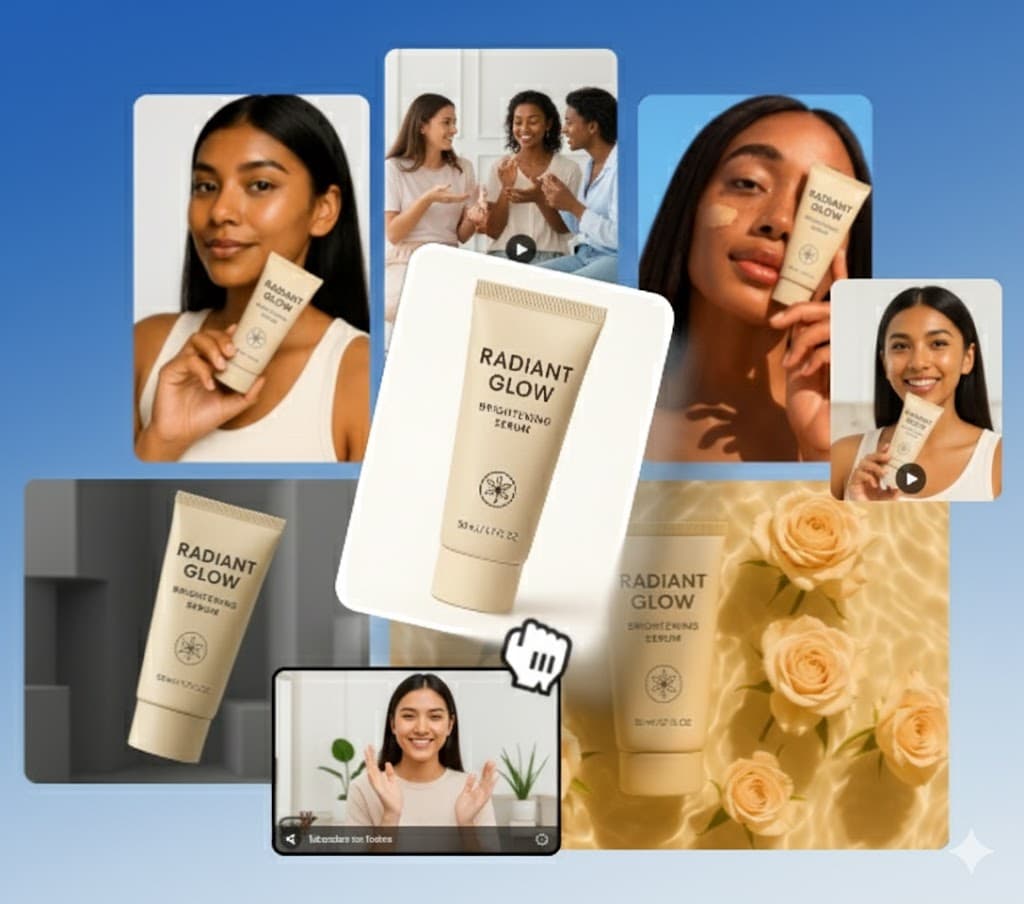
Create short-form video, static visuals, avatars, product assets, and social-ready outputs without rebuilding the workflow each time.
Operators who want the latest model coverage
Use workflows powered by models like Kling, Seedance, Veo, GPT Image, and ElevenLabs inside the same product.
Teams balancing campaign output with broader content creation
A better fit when you need launch-ready assets plus general AI studio capabilities for ongoing production.
Why HighReach Is a Better Canva Alternative for AI Suite Workflows
HighReach gives teams a broader AI suite than Canva, combining video generation and editing, image creation, audio tools, avatars, lip-sync, voice-over, dubbing, and model coverage across Kling, Seedance, Veo, GPT Image, and ElevenLabs in one workspace.
AI UGC
AI UGC Video Ads
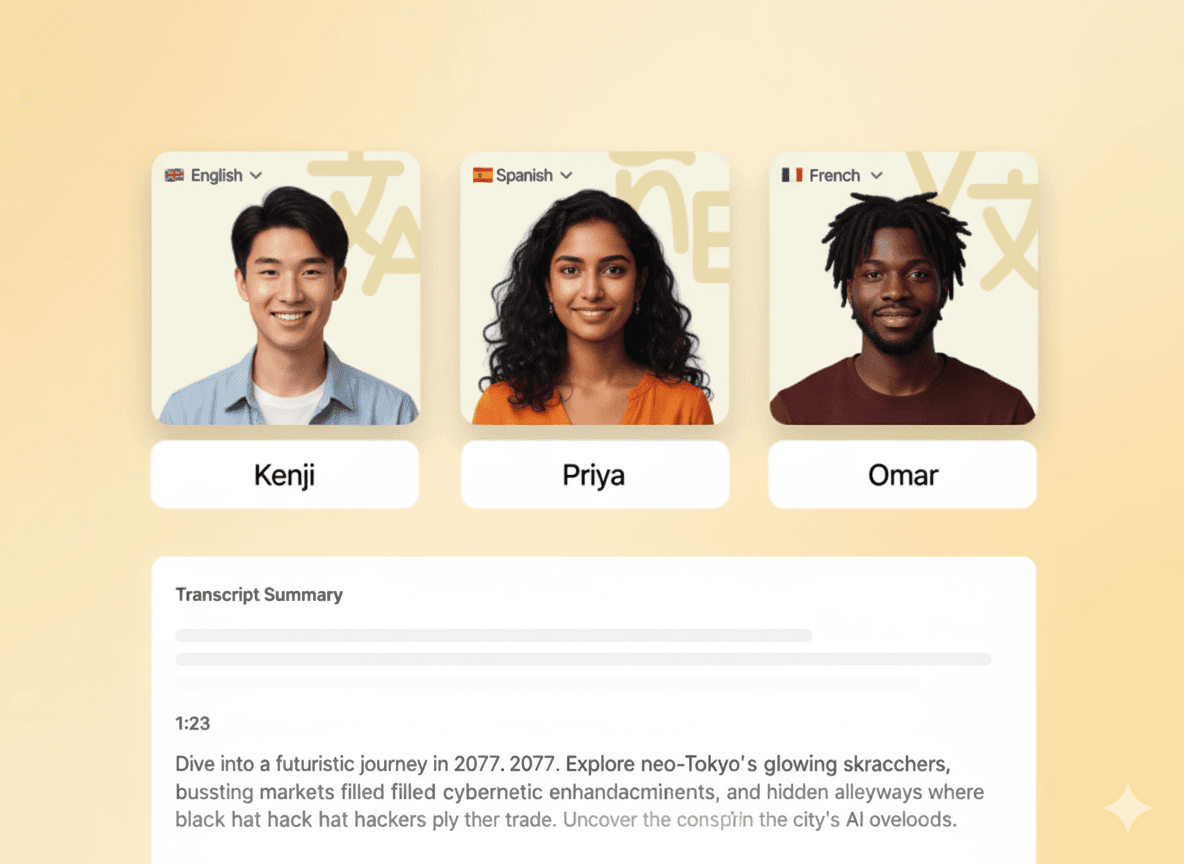
Create UGC-style video ads in minutes using AI avatars. No creators or filming required — generate testimonial-style videos designed to drive engagement.
Diverse AI avatarsNatural-sounding voicesMulti-language supportAI-generated scripts
Frequently Asked QuestionsAbout HighReach vs Canva
What makes HighReach a strong Canva alternative?
HighReach is a stronger Canva alternative for teams that want a broader AI suite instead of a narrower single-workflow tool. It combines AI video, image, audio, avatars, editing, lip-sync, voice-over, dubbing, and launch-ready asset creation in one product.
Is HighReach only for ads?
No. HighReach is not positioned only as an ad generator anymore. It is a broader AI suite for creating videos, images, audio, avatars, and edited assets, which means teams can use it for campaign production, social content, product visuals, UGC-style assets, and general creative work.
Can HighReach create AI videos, images, and audio in one platform?
Yes. HighReach supports AI video workflows, AI image workflows, and AI audio workflows inside one platform. Teams can generate or edit videos, create or modify images, and produce voice-over, dubbing, music, and sound effects without moving across separate tools.
Which models does HighReach support?
HighReach supports workflows powered by newer model families including Kling, Seedance, Veo, GPT Image, and ElevenLabs, with model choice varying by workflow. That gives teams one place to access current video, image, and audio generation capabilities without stitching together a fragmented stack.
Does HighReach support avatars, lip-sync, voice-over, and dubbing?
Yes. HighReach includes avatar-style workflows plus lip-sync, voice-over generation, audio dubbing, and related audio tooling. That makes it more useful for teams creating spokesperson videos, social clips, explainer content, and other multimodal outputs.
When should I choose HighReach over Canva?
Choose HighReach over Canva when your team wants one AI suite for video, image, audio, editing, and avatar workflows, or when you need access to newer models and broader creative coverage. If you only need one narrow workflow that Canva specializes in, that tool may still fit, but HighReach is stronger for teams that want one platform across multiple production needs.
Can HighReach edit existing assets as well as generate new ones?
Yes. HighReach covers both generation and editing workflows. Teams can create new videos and images from prompts, but they can also edit existing assets, run image variations, expand or upscale images, modify videos, relight scenes, replace characters, and add synced audio workflows.
Is HighReach a good fit for agencies, brands, and creators?
Yes. HighReach is a good fit for agencies, ecommerce brands, in-house creative teams, growth teams, and solo creators that need broader AI production coverage. Its value is strongest when the team wants to move across video, image, audio, and launch-ready asset workflows from one workspace.
Can HighReach handle both launch-ready assets and general creative production?
Yes. HighReach is designed to cover both use cases. Teams can use it for launch-ready creative assets, but it also works as a broader AI suite for experimentation, concept generation, content iteration, and ongoing video, image, and audio production.
Compare HighReach to More AI Studio Tools
Explore more alternatives related to Canva and compare HighReach across other AI suite, video, image, audio, avatar, and creative production workflows.
CapCut Alternative
Compare a short-form editor with an AI suite workflow for broader creative production.