Nikhil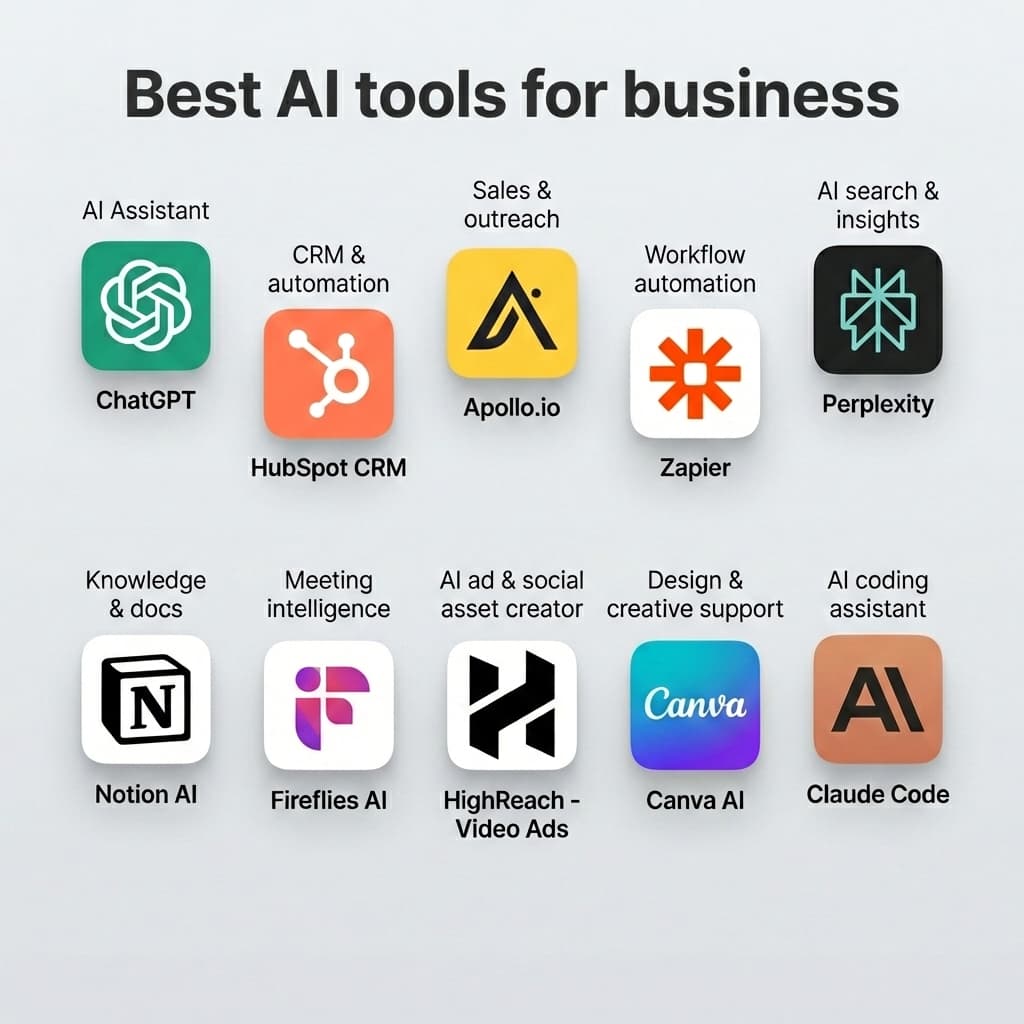
Artificial intelligence is now a core driver of business productivity and growth. In 2026, teams use AI not just for experiments — but to generate content, automate workflows, create visuals, streamline sales outreach, and boost creative output. From marketing to development to sales intelligence, here's a comprehensive guide to the best AI tools for business that teams are using today.
🔹 1. ChatGPT — Versatile Business AI Assistant
Category: AI Assistant Best for: Drafting content, research, strategy generation
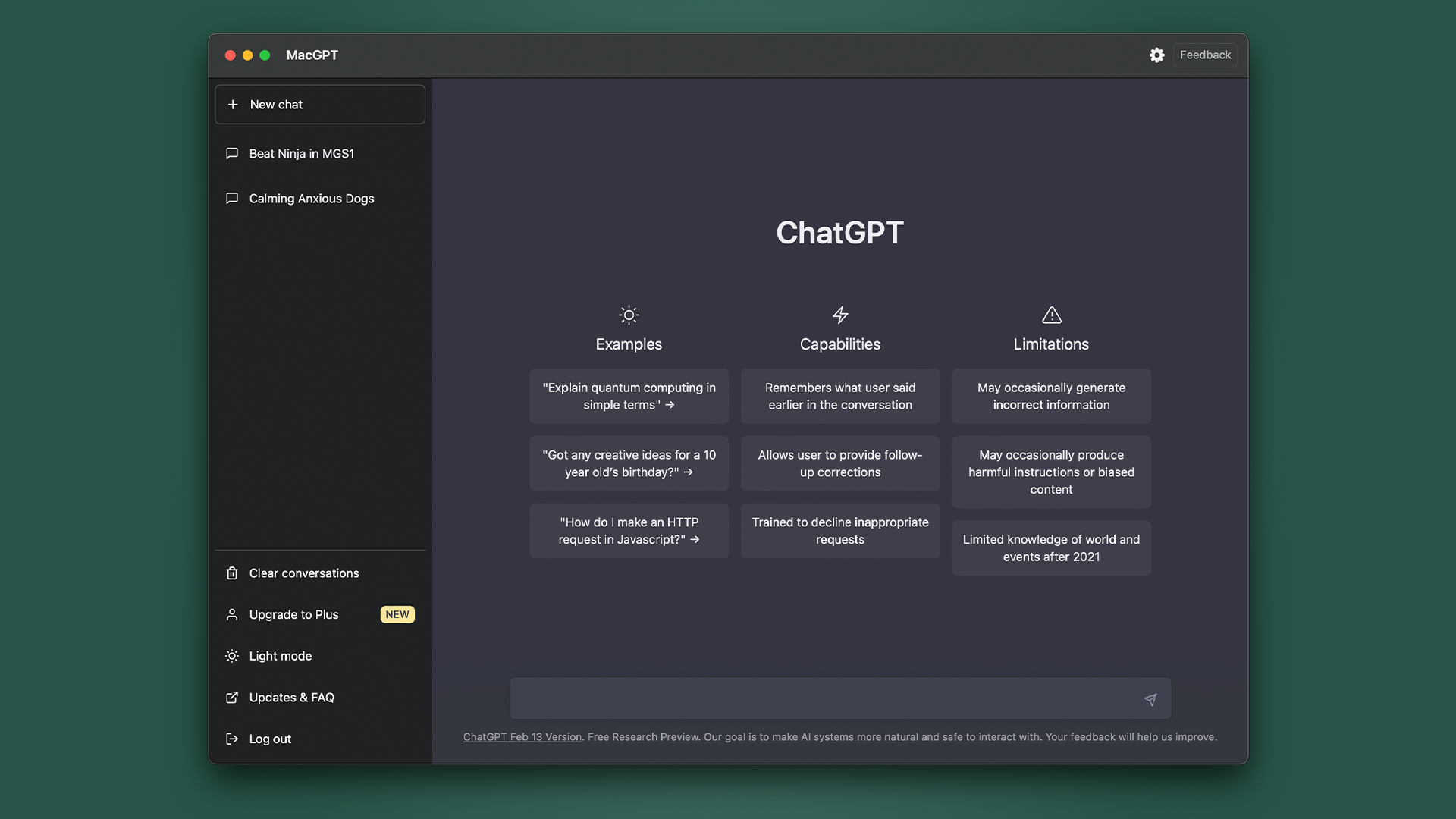
ChatGPT is widely used to generate content, brainstorm ideas, summarize research, and automate writing tasks. It helps teams create emails, reports, marketing copy, SOPs, and more — saving hours of work. Its adaptability makes it a go-to tool across teams.
Pros:
- Very flexible across business needs
- Easy to start with no training required
Cons:
- Quality depends on prompt quality and alignment
Pricing:
- Freemium + subscription tiers for higher performance
🔹 2. HubSpot CRM — Unified Growth Platform
Category: CRM & Marketing Automation Best for: Sales pipeline, marketing automation, customer journeys
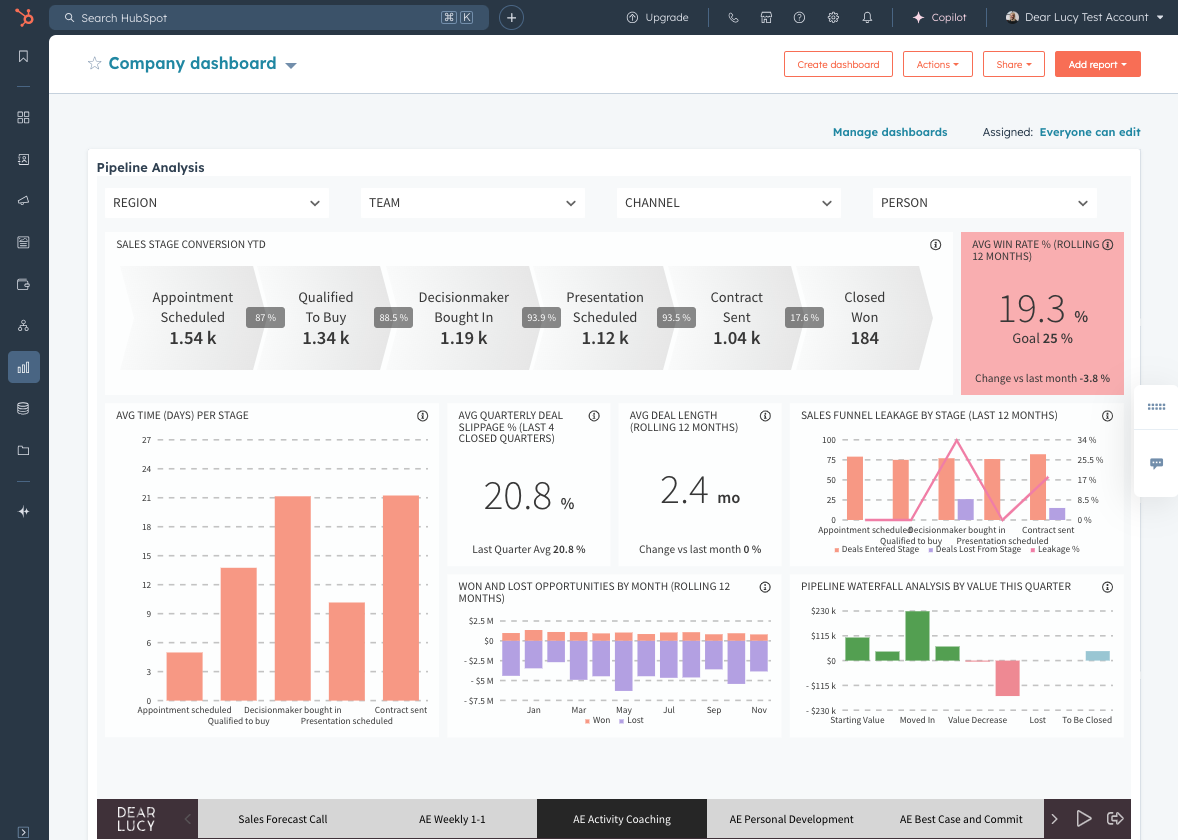
HubSpot integrates CRM with automated email sequences, contact tracking, lifecycle analytics, and more. Its AI features help teams score leads, automate follow-ups, and analyze engagement — all from a central dashboard. Perfect for sales and marketing alignment.
Pros:
- Combines customer data with automation
- Free tier available for basic CRM
Cons:
- Advanced features require paid plans
Pricing:
- Free CRM tier + paid automation features
🔹 3. Apollo.io — AI Sales & Outreach Engine
Category: Sales & Outreach Best for: Lead discovery, outreach sequencing, enriched contacts

Apollo.io couples a public B2B database with automated email outreach, tracking, and engagement analytics. This makes prospecting faster and more systematic, especially for outbound sales teams.
Pros:
- Rich contact data and filtering
- Built-in email sequences and analytics
Cons:
- Feature depth varies by plan
Pricing:
- Freemium tier + paid options for advanced usage
🔹 4. Zapier — Workflow Automation & AI Actions
Category: Workflow automation Best for: Connecting tools & automating business processes

Zapier connects hundreds of apps — CRMs, spreadsheets, email tools, project apps, and more — into automated workflows. In 2026, Zapier also includes AI-driven steps that can interpret data and make intelligent decisions inside automation flows.
Pros:
- No-code automation creativity across tools
- Supports thousands of software integrations
Cons:
- Free plan has task limits
- Multi-step automations can require careful setup
Pricing:
- Free basics + paid plans based on task volume
🔹 5. Perplexity — Rapid AI Search & Insights
Category: Intelligent search Best for: Fast research & competitor insights

Perplexity combines search with AI reasoning to deliver concise answers with source links. Teams use it to research markets, competitors, product trends, and industry knowledge without hours of manual searching.
Pros:
- Quick, cited insights
- Easy to use
Cons:
- Best for shorter research tasks
Pricing:
- Freemium access available
🔹 6. Notion AI — Knowledge & Documentation Support
Category: Knowledge work & collaboration Best for: Team docs, project planning, SOPs

Notion AI enhances your existing Notion workspace with smart suggestions, summarization, rewriting, and task structuring. Perfect for teams that use Notion for documentation, planning, and knowledge capture.
Pros:
- Works inside familiar workspace
- Helps standardize internal knowledge
Cons:
- Requires Notion subscription + AI addon
Pricing:
- Add-on to Notion subscription
🔹 7. Fireflies AI — Meeting Intelligence & Notes
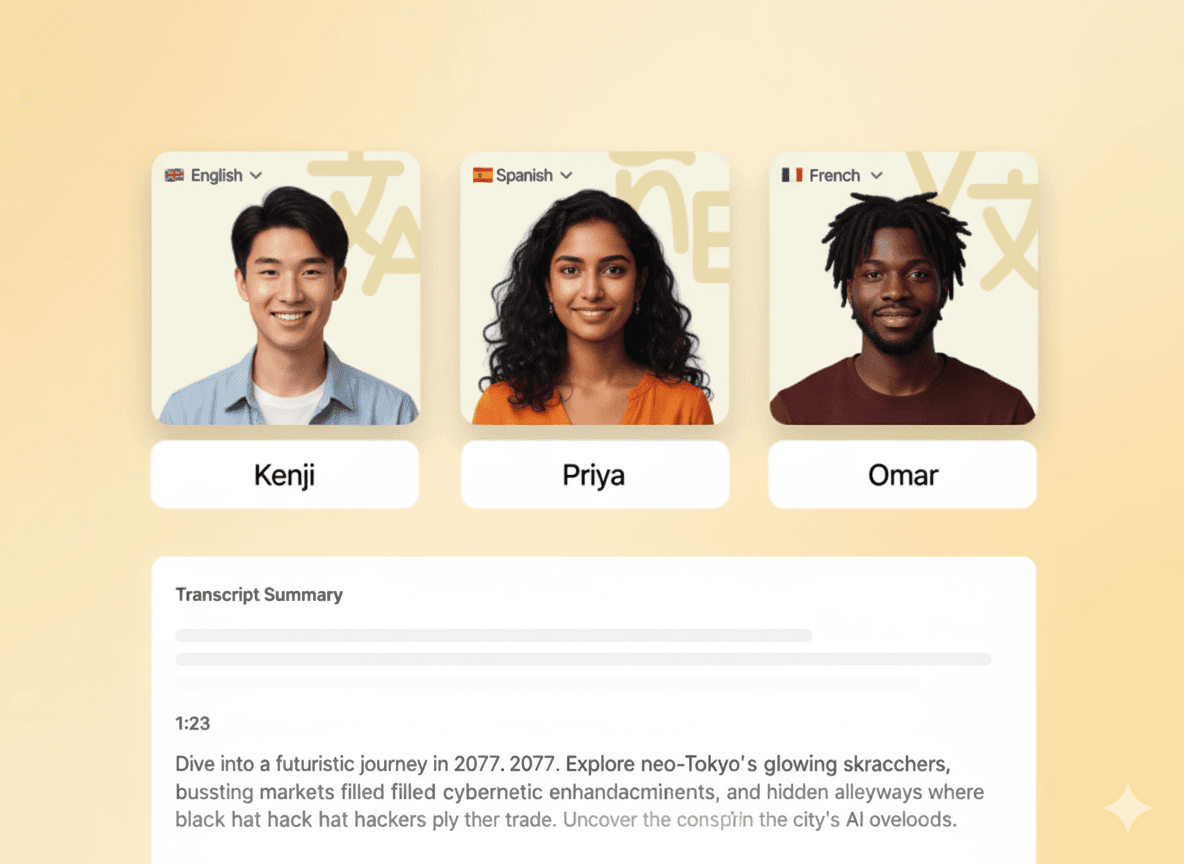
Category: Meeting automation Best for: Call transcriptions, action item extraction

Fireflies AI listens to meetings, generates accurate transcripts, and highlights key takeaways. This reduces meeting cleanup work and ensures teams stay aligned with automatic summaries sent to relevant tools or teammates.
Pros:
- Eliminates manual note-taking
- Integrates with calendars and collaboration software
Cons:
- Transcript quality varies by audio clarity
Pricing:
- Freemium + paid team plans
🔹 8. HighReach — Video Ads & Social Asset Creator
Category: AI ad & creative generation Best for: Creating image ads, UGC videos, product visuals
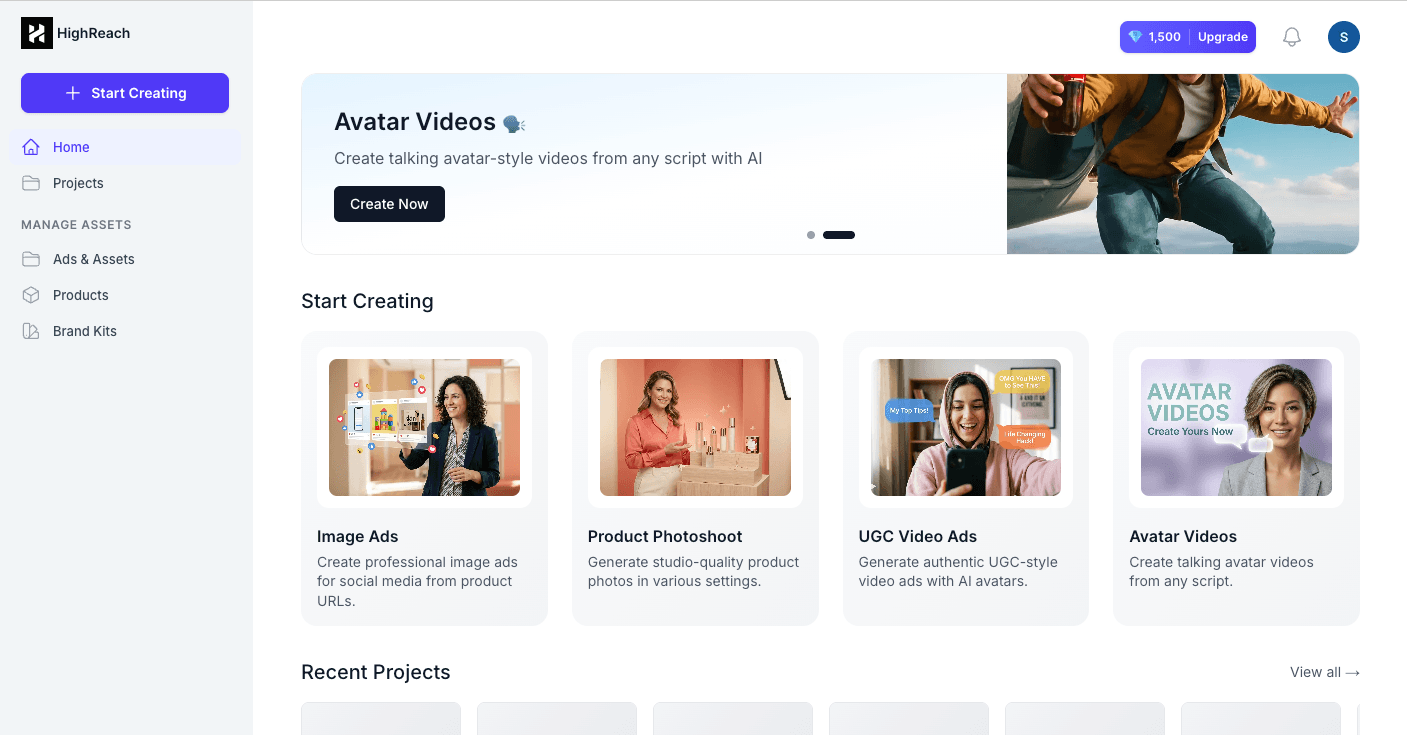
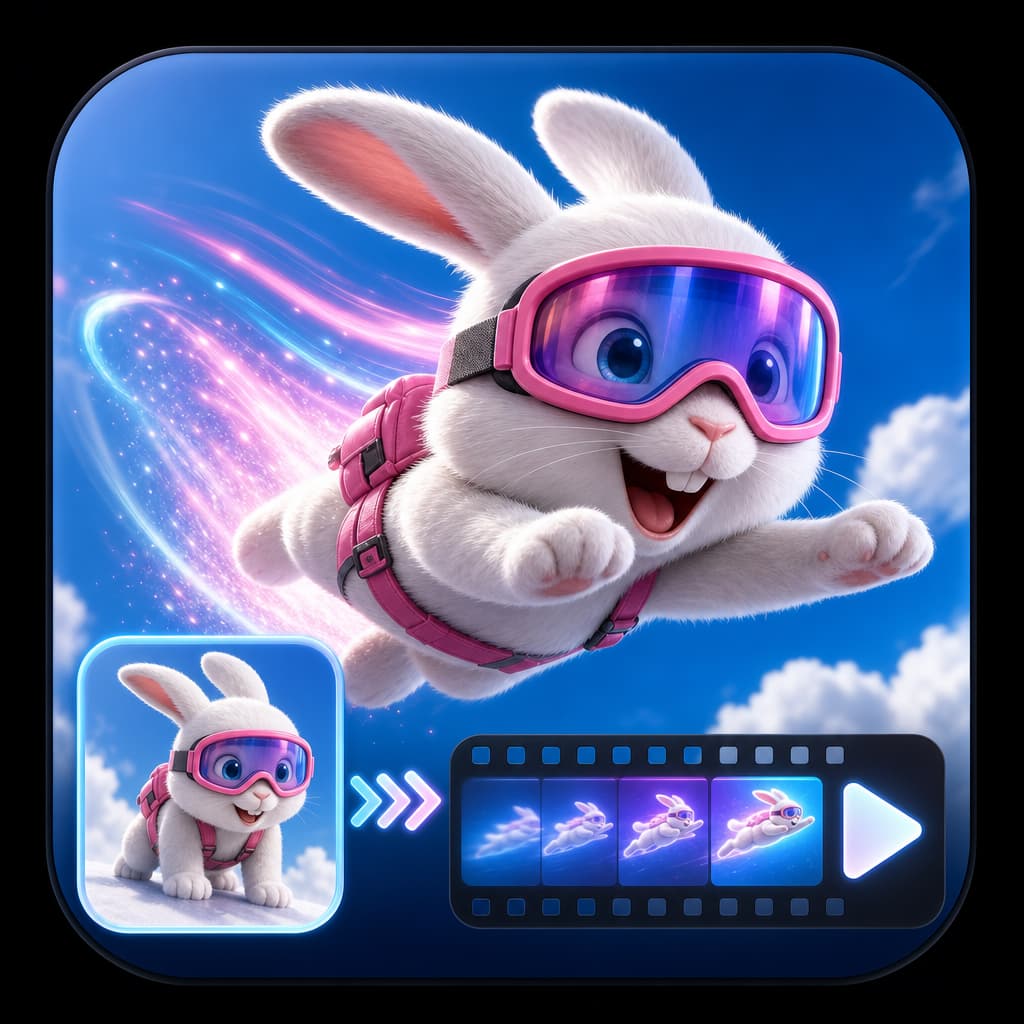
HighReach uses AI to turn product information and URLs into ready-to-use ad creatives and social assets like image ads, carousel graphics, and UGC-style video ads — without filming or editing. This helps brands produce scroll-stopping creatives for platforms like TikTok, Instagram, and Facebook in minutes.
Pros:
- Generates UGC videos and image ads automatically
- Product creatives and variations at scale
- Provides ad inspiration and competitor insights
Cons:
- Focused on creative generation, not full campaign execution
- Creative quality still benefits from brand oversight
Pricing:
- Starter: ~$49/mo (~200 credits)
- Pro: ~$99/mo (~500 credits)
- Ultra: ~$149/mo (~1000 credits)
Credits translate to generated assets like videos and images
🔹 9. Canva AI — Design & Creative Support
Category: Visual content creation Best for: Branding, social visuals, presentations
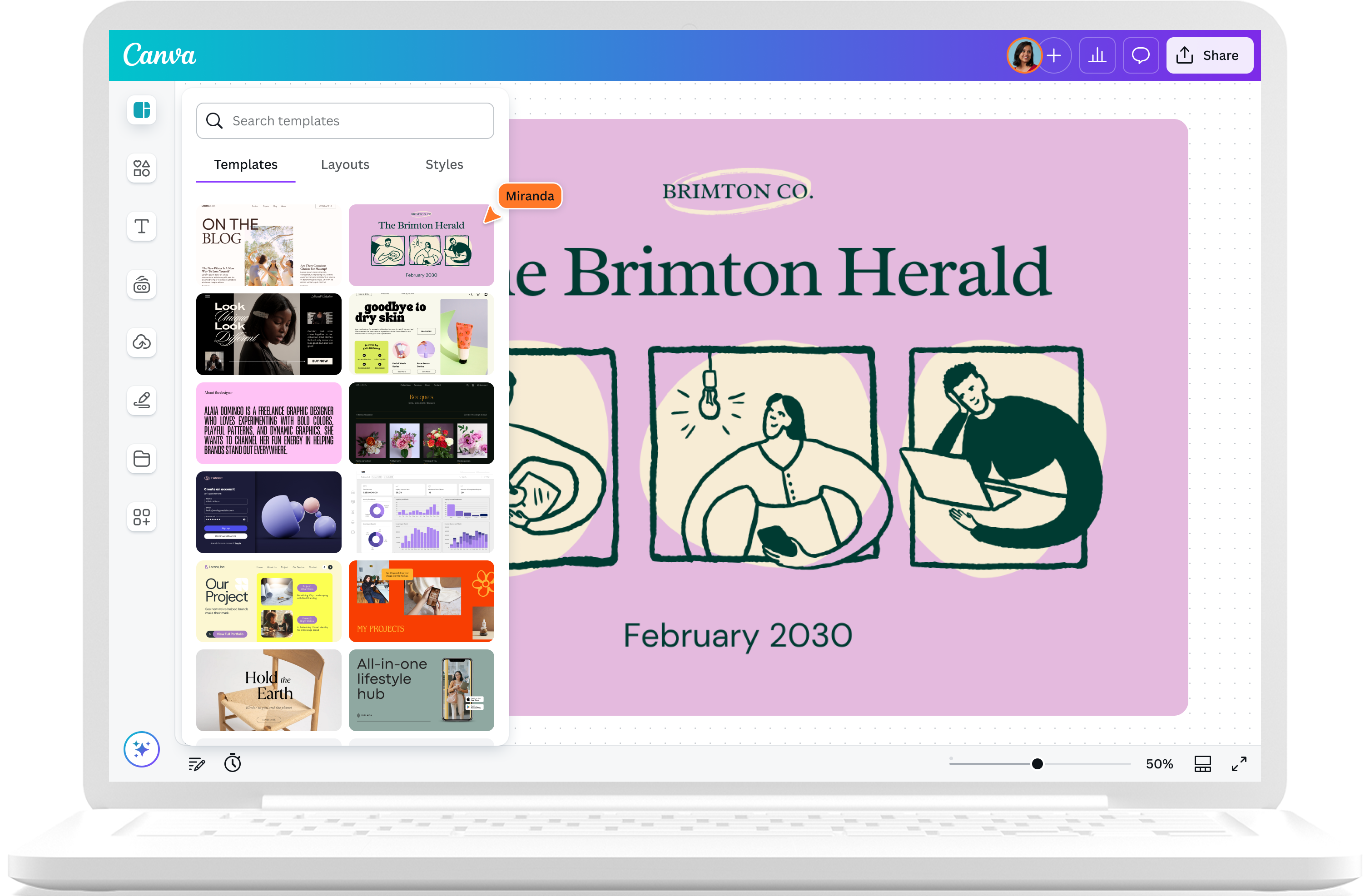
Canva AI allows teams to generate professional visuals and presentations without heavy design skills. AI-assisted tools help create layouts, visuals, icons, and brand assets that align with marketing needs.
Pros:
- Easy to use for non-designers
- Massive template library
Cons:
- Premium features require Pro plan
Pricing:
- Free + Pro subscription options
🔹 10. Claude Code — AI Coding Assistant
Category: Developer productivity Best for: Code generation, debugging, multi-step engineering tasks

Claude Code is an AI-powered coding assistant that understands full codebases and can help developers write, refactor, debug, and even execute multi-file changes using natural language. It's like having a second engineer who can help with complex coding tasks, tests, and project enhancements.
Pros:
- Strong support for real coding workflows
- Helps with debugging, tests, and feature generation
Cons:
- Best suited for technical teams
- Performance depends on plan and token usage
Pricing:
- Free + Paid tiers from Anthropic with larger tokens and faster performance
📊 AI Tool Comparison Table
| Rank | Tool | Category | Best For | Approx. Pricing |
|---|---|---|---|---|
| 1 | ChatGPT | AI Assistant | Content & workflows | Free + Paid |
| 2 | HubSpot CRM | CRM & automation | Sales + marketing | Free + Tiered |
| 3 | Apollo.io | Sales & outreach | Lead generation & email sequences | Freemium + Paid |
| 4 | Zapier | Workflow automation | Cross-tool integrations | Free + Paid |
| 5 | Perplexity | AI search & insights | Fast research | Freemium |
| 6 | Notion AI | Knowledge & docs | Planning & documentation | Add-on |
| 7 | Fireflies AI | Meeting intelligence | Transcripts & notes | Freemium |
| 8 | HighReach - Video Ads | AI ad & social asset creator | Ads & social creatives | Tiered |
| 9 | Canva AI | Design & creative support | Visual assets | Free + Pro |
| 10 | Claude Code | AI coding assistant | Developer productivity | Free + Paid |
🧠 How to Choose the Right AI Tools
Here's a simple framework:
- Sales & Outreach: Apollo.io + HubSpot CRM
- Cross-Tool Automation: Zapier
- Research & Knowledge Work: ChatGPT + Perplexity + Notion AI
- Meeting Capture: Fireflies AI
- Visual Ads & Creative Output: HighReach + Canva AI
- Developer Support: Claude Code
In 2026, AI tools are most effective when they solve real problems, integrate with team workflows, and augment human capabilities instead of replacing them. Combining them strategically helps teams work smarter, launch campaigns faster, and innovate with confidence.
Ready to Create Scroll-Stopping Ads with AI?
Join thousands of brands using HighReach to generate UGC videos, image ads, and product creatives in minutes.