Creators
Repurpose Viral Twitter Clips
Save top-performing tweet videos and adapt them for Shorts, Reels, and TikTok edits.
Save videos from Twitter/X quickly with no signup. Paste a public tweet URL and download available MP4 and audio formats.
HighReach
Turn ideas, images, and clips into professional-quality videos in minutes.
Get Started For FreeNo credit card required
Open the tweet that contains the video and copy the complete post link.
Paste the tweet URL in the downloader field and submit to load formats.
Select video quality or audio format and save the file to your device.
Twitter/X video posts expose source-dependent quality options. Not every post includes all resolutions.
| Quality | Resolution | File Size | Best For |
|---|---|---|---|
| High Quality | Up to 720p (source dependent) | ~5-35 MB/video | Repurposing and editing |
| Standard Quality | Around 480p (source dependent) | ~3-18 MB/video | Quick sharing and mobile playback |
| Low/Data Saver | Around 360p (source dependent) | ~1-10 MB/video | Faster downloads and lightweight storage |
| Audio | M4A / WEBM | ~0.2-4 MB/video | Voiceover and soundtrack extraction |
Quality labels and sizes vary by upload quality, duration, and Twitter delivery settings.
Creators
Save top-performing tweet videos and adapt them for Shorts, Reels, and TikTok edits.
Social Teams
Back up live campaign assets for reporting, retrospectives, and later reuse.
Editors
Pull social video references into your editing workflow for mashups, explainers, and recaps.
Brands
Study hooks, pacing, and structure from high-engagement videos in your category.
Optimization Playbook
These video-focused tips help improve quality consistency when republishing Twitter content.
Grab the highest available source quality before editing.
Keep an original backup before adding captions or branding.
Export platform-specific aspect ratios from one master timeline.
Use consistent naming by campaign, angle, and hook type.
Pair video and audio downloads when dialogue matters.
Avoid repeated transcodes to preserve detail.
Check legal permissions before reposting third-party content.
Test first-frame hooks when cross-posting to short-form platforms.
Try these solutions:
Processing happens server-side, so no extension or plugin is required.
Desktop Browsers
Mobile Browsers
Works on all modern browsers and devices
Download processing is cloud-based, so your experience stays consistent across desktop and mobile.
Your Privacy Matters: Our service operates with complete transparency. We only work with publicly accessible social media content and keep a strict no-storage policy. Media is not retained after download completion.
Secure by Design: Every connection uses SSL/TLS encryption. Video and audio processing runs through secure protocols, and we never request personal credentials or account access.
Legal Responsibility: This downloader is intended for personal use and for content you own or have explicit permission to download. You are responsible for compliance with copyright law, platform Terms of Service, and local regulations.
DISCLAIMER OF LIABILITY: This tool is provided as-is without warranties. By using this service, you agree that you are solely responsible for lawful usage and authorization. Unauthorized redistribution, reproduction, or commercial use of copyrighted material may result in legal action.
Copy the tweet URL with the video, paste it in the tool, and click download. You will see available quality options for direct MP4 saving.
Learn how to generate better ads with AI using practical examples, optimization frameworks, and campaign testing playbooks.

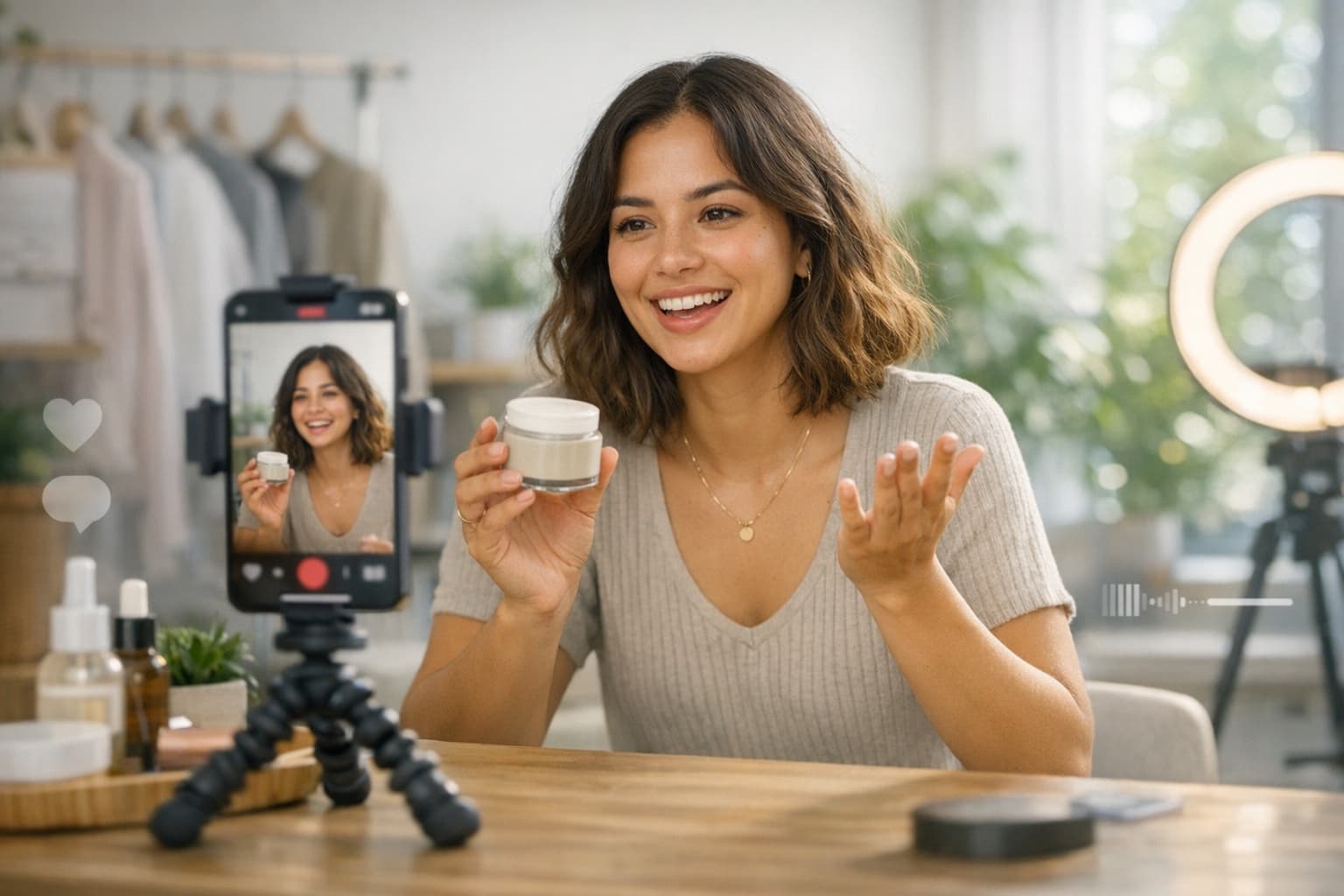
Complete 2026 Guide (Examples, Templates, Tools)
Read article


Explore more HighReach studio tools across video, image, avatar, and audio creation.

Create, edit, lip-sync, and direct motion-rich videos from one workspace.
Open tool
Generate, expand, edit, and upscale campaign-ready images in one place.
Open tool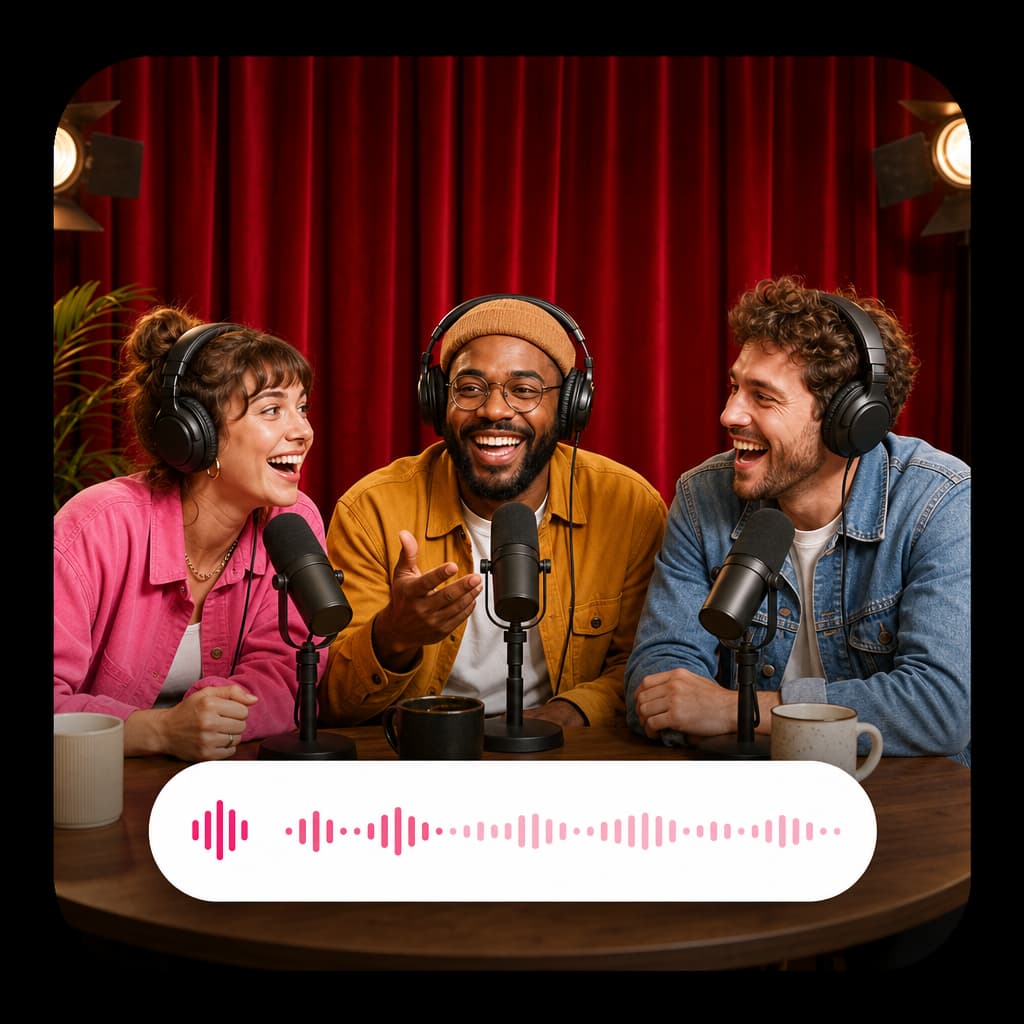
Create voice overs, music, dubbing, and sound effects without leaving the studio.
Open toolAnimate product shots, references, and still frames into polished short clips.
Open tool
Generate fresh video scenes directly from prompts and style direction.
Open tool
Re-render existing clips with prompt-based changes and creative direction.
Open tool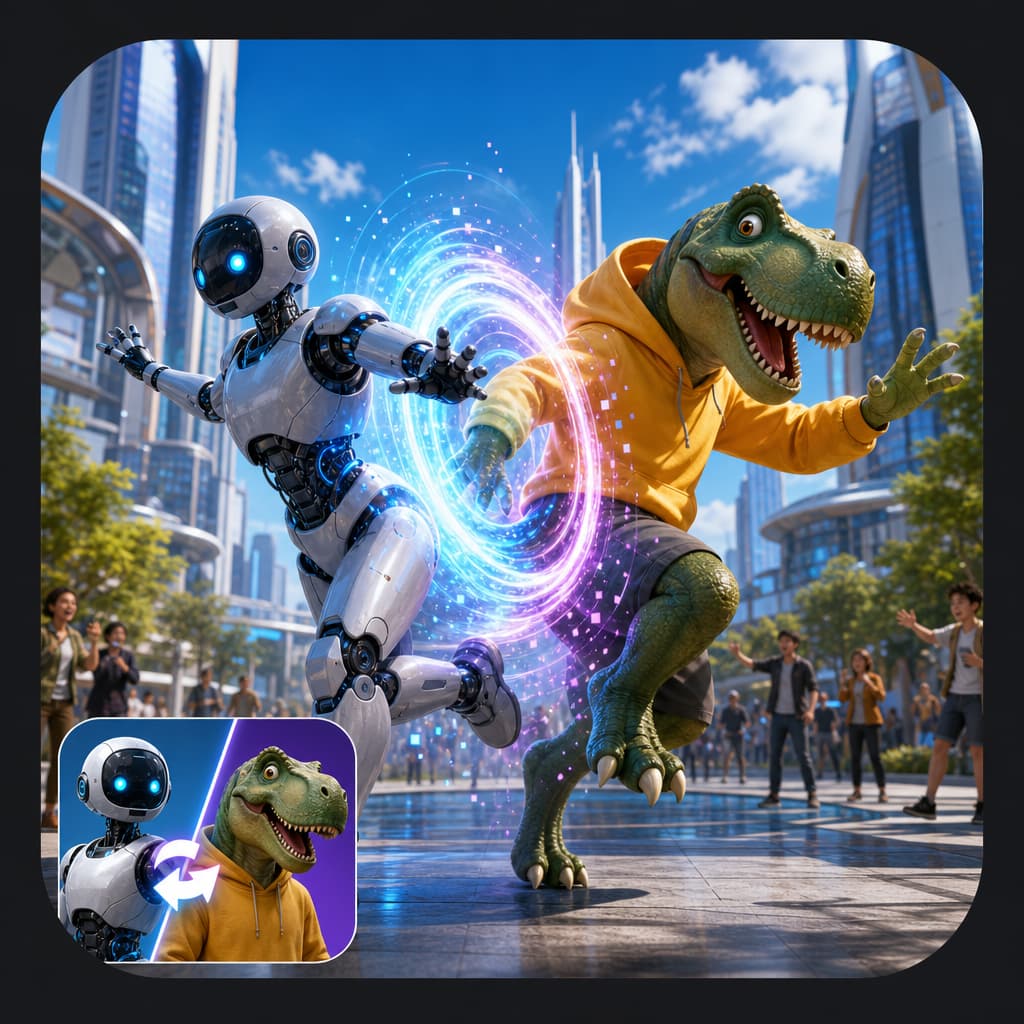
Swap the on-screen subject while keeping motion, camera, and scene structure.
Open tool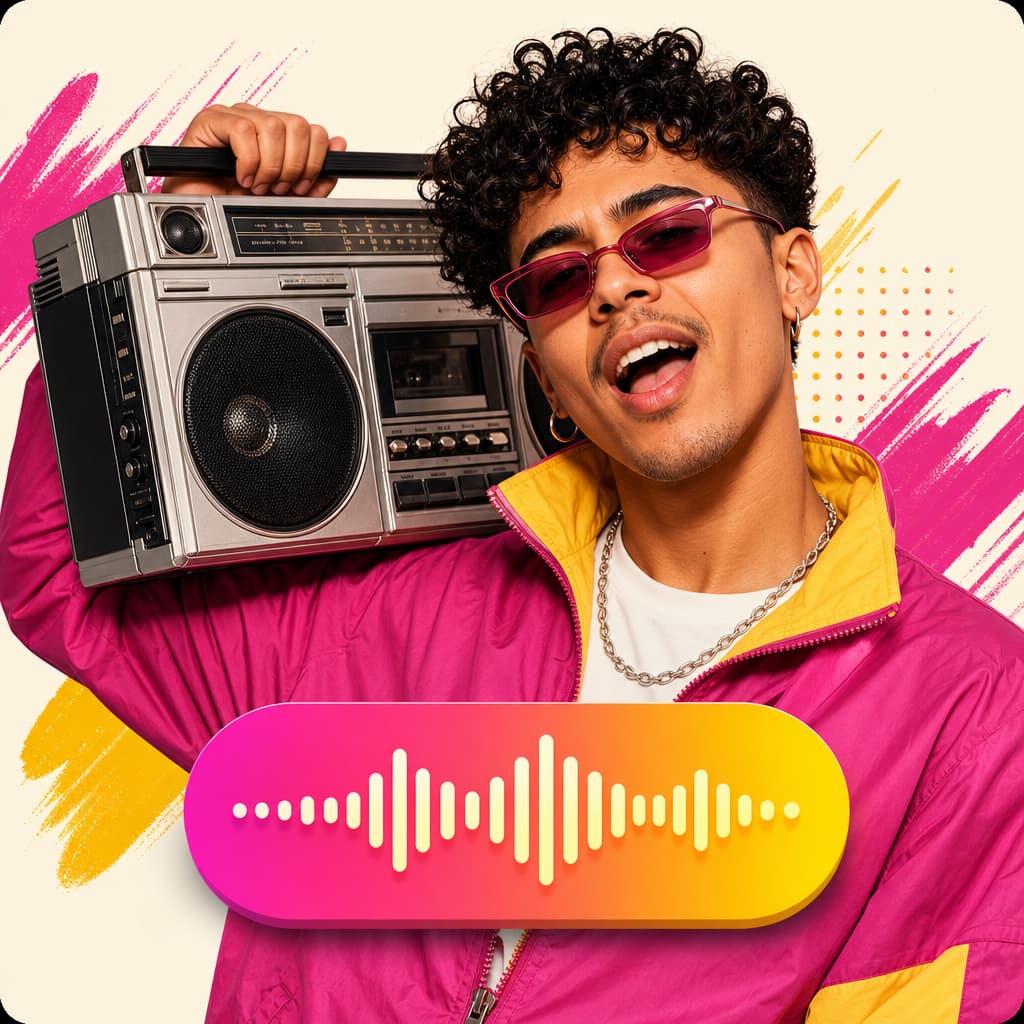
Turn a speaker image plus audio into a talking-avatar or presenter clip.
Open tool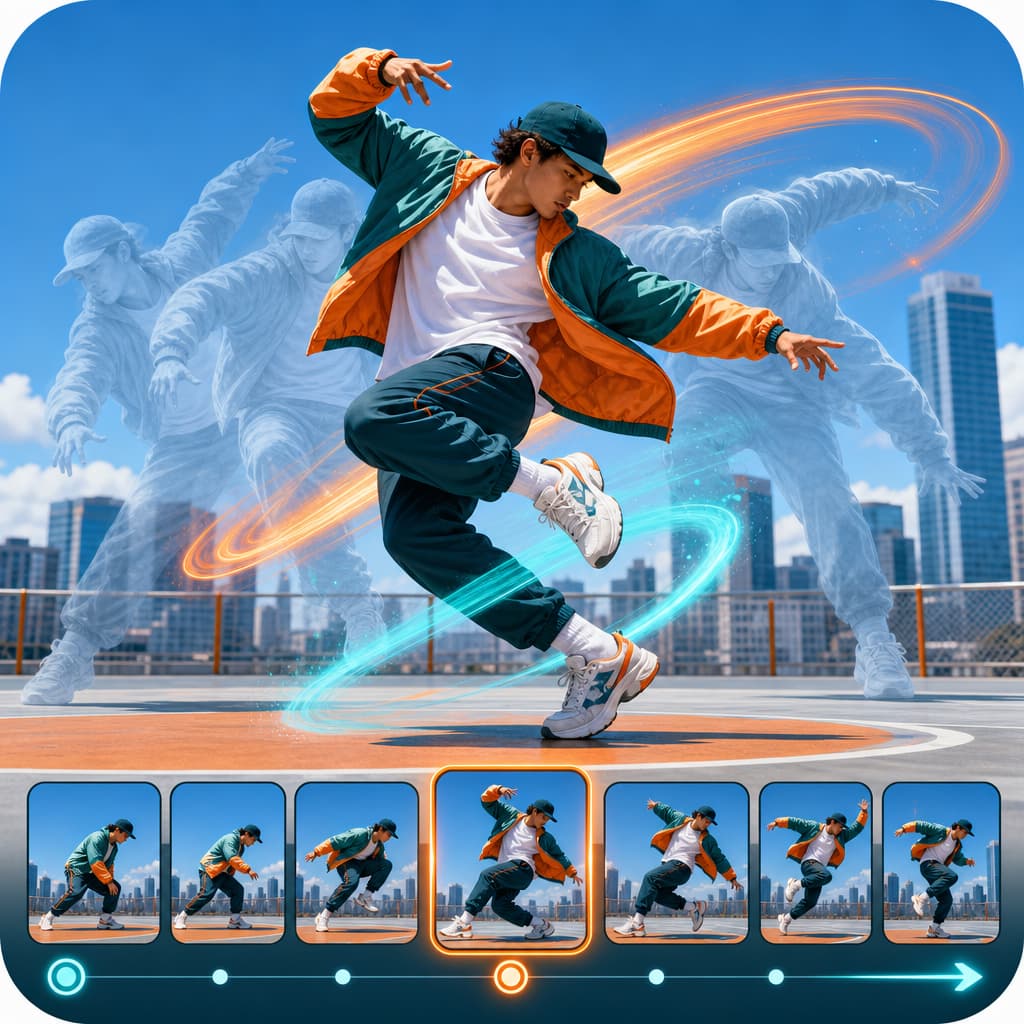
Drive motion from reference footage for controlled, repeatable outputs.
Open tool
Generate product visuals, editorial images, and concept frames with AI models.
Open toolPrompt-edit one image into multiple refined creative variations.
Open toolGenerate studio-ready narration for explainers, promos, and product videos.
Open toolGenerate image, video, and UGC ads in minutes with HighReach.
No credit card required