LinkedIn Operators
Scale Title content velocity
Generate structured long-form and short-form social posts quickly.
Generate SEO-optimized title tags that rank higher in search results and earn more clicks from your target audience.
HighReach
Turn ideas, images, and clips into professional-quality videos in minutes.
Get Started For FreeNo credit card required
Provide your target keyword, page topic, and brand name for the title tag.
Select a title format — keyword-first, question-based, listicle, or how-to style.
Receive multiple optimized title tag options within the ideal 50-60 character range.
Meta Title Generator can generate multiple styles and lengths so you can ship faster while keeping message-to-audience fit high.
| Mode | Best For | Length | Optimization Focus |
|---|---|---|---|
| Short-form | Hooks, captions, and replies | 1-4 lines | Scroll-stop clarity |
| Persuasive | Ads and conversion messaging | 4-8 lines | Benefit + CTA strength |
| Professional | Email and B2B communication | 6-12 lines | Credibility and structure |
| Variant Batch | A/B testing and ideation | 3-10 versions | Speed of experimentation |
Treat generated outputs as drafts. Run brand, legal, and factual review before publishing externally.
LinkedIn Operators
Generate structured long-form and short-form social posts quickly.
Sales Teams
Draft context-aware messages faster while preserving relevance and tone.
B2B Marketers
Create structured outputs aligned with sales-cycle stage and audience sophistication.
SEO Writers
Generate topic variants for landing pages, ad groups, and social narratives.
Content Marketers
Move from blank page to publish-ready copy with faster ideation cycles.
Founders
Draft launch updates, replies, and campaign copy in minutes.
Paid Social Teams
Produce angle-specific messaging for A/B tests without writing each version manually.
Ecommerce Teams
Build benefit-led, conversion-friendly copy for PDPs and ad creatives.
Optimization Playbook
Use these meta title generator optimization tactics to improve consistency, output quality, and execution speed.
Use Title as a context cue when drafting niche content.
Include target audience, tone, and CTA in your prompt for stronger copy.
Save your best-performing patterns as reusable templates.
Use channel-specific formatting so outputs match destination requirements.
Generate short, medium, and long variants for channel testing.
Run multiple variants and compare before publishing one output.
Use clear inputs and explicit outcome goals before generating results.
Proofread factual claims before external publishing.
Cut weak openers and keep first lines high-impact.
Keep source files or original inputs before making final edits.
Try these solutions:
Processing happens server-side for reliable performance on modern desktop and mobile browsers.
Desktop Browsers
Mobile Browsers
Your Privacy Matters: We process inputs to generate outputs and do not require social or platform account credentials for standard tool usage.
Secure by Design: Connections use SSL/TLS encryption and tool processing runs through secure infrastructure.
Legal Responsibility: Use each tool only for lawful workflows and for content/data you are authorized to process under applicable regulations and platform terms.
DISCLAIMER OF LIABILITY: This service is provided as-is without warranties. Users are solely responsible for lawful usage and authorization of all processed content.
Meta Title Generator is a free online tool built to streamline Meta workflows with fast, practical outputs for creators, marketers, and operators.
Learn how to generate better ads with AI using practical examples, optimization frameworks, and campaign testing playbooks.

Complete 2026 Guide (Examples, Templates, Tools)
Read article


Explore more HighReach studio tools across video, image, avatar, and audio creation.

Create, edit, lip-sync, and direct motion-rich videos from one workspace.
Open tool
Generate, expand, edit, and upscale campaign-ready images in one place.
Open tool
Create voice overs, music, dubbing, and sound effects without leaving the studio.
Open toolAnimate product shots, references, and still frames into polished short clips.
Open tool
Generate fresh video scenes directly from prompts and style direction.
Open tool
Re-render existing clips with prompt-based changes and creative direction.
Open tool
Swap the on-screen subject while keeping motion, camera, and scene structure.
Open tool
Turn a speaker image plus audio into a talking-avatar or presenter clip.
Open tool
Drive motion from reference footage for controlled, repeatable outputs.
Open tool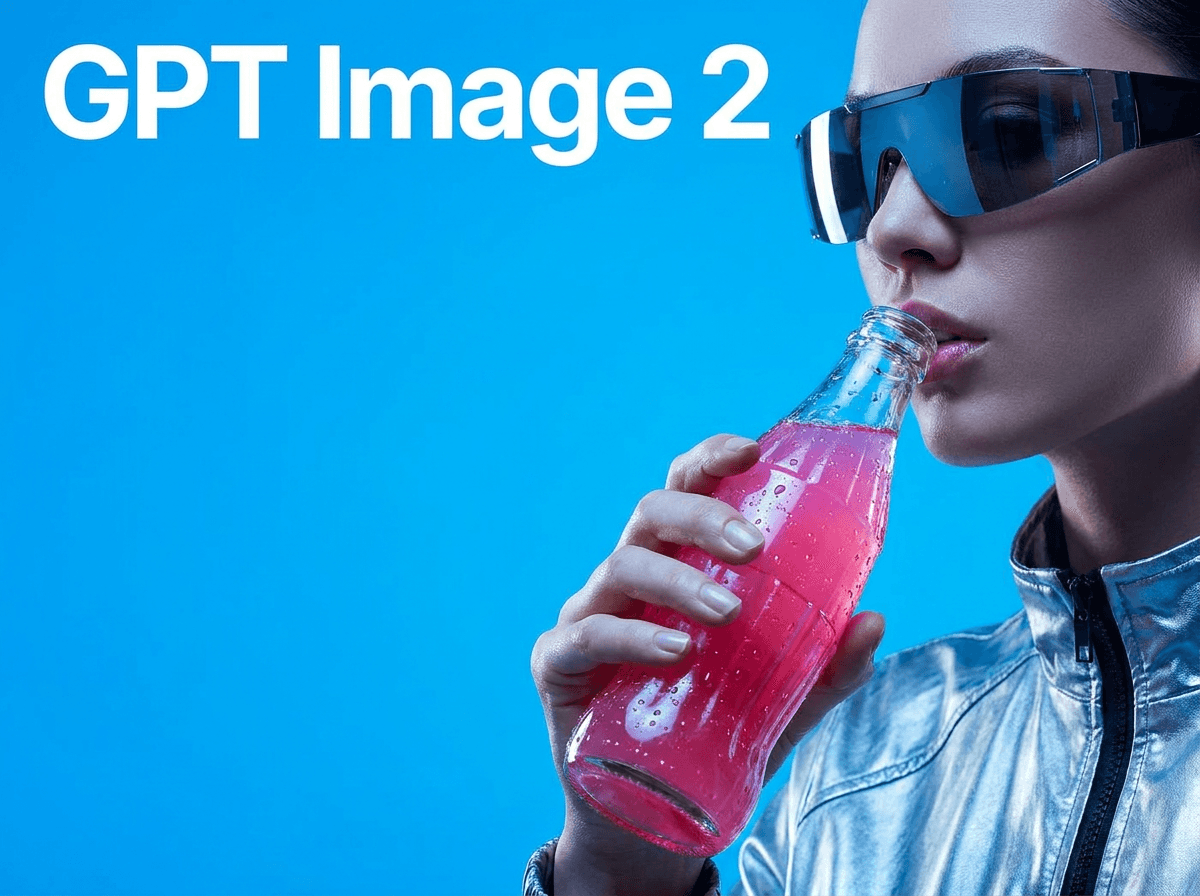
Generate product visuals, editorial images, and concept frames with AI models.
Open toolPrompt-edit one image into multiple refined creative variations.
Open toolGenerate studio-ready narration for explainers, promos, and product videos.
Open toolGenerate image, video, and UGC ads in minutes with HighReach.
No credit card required